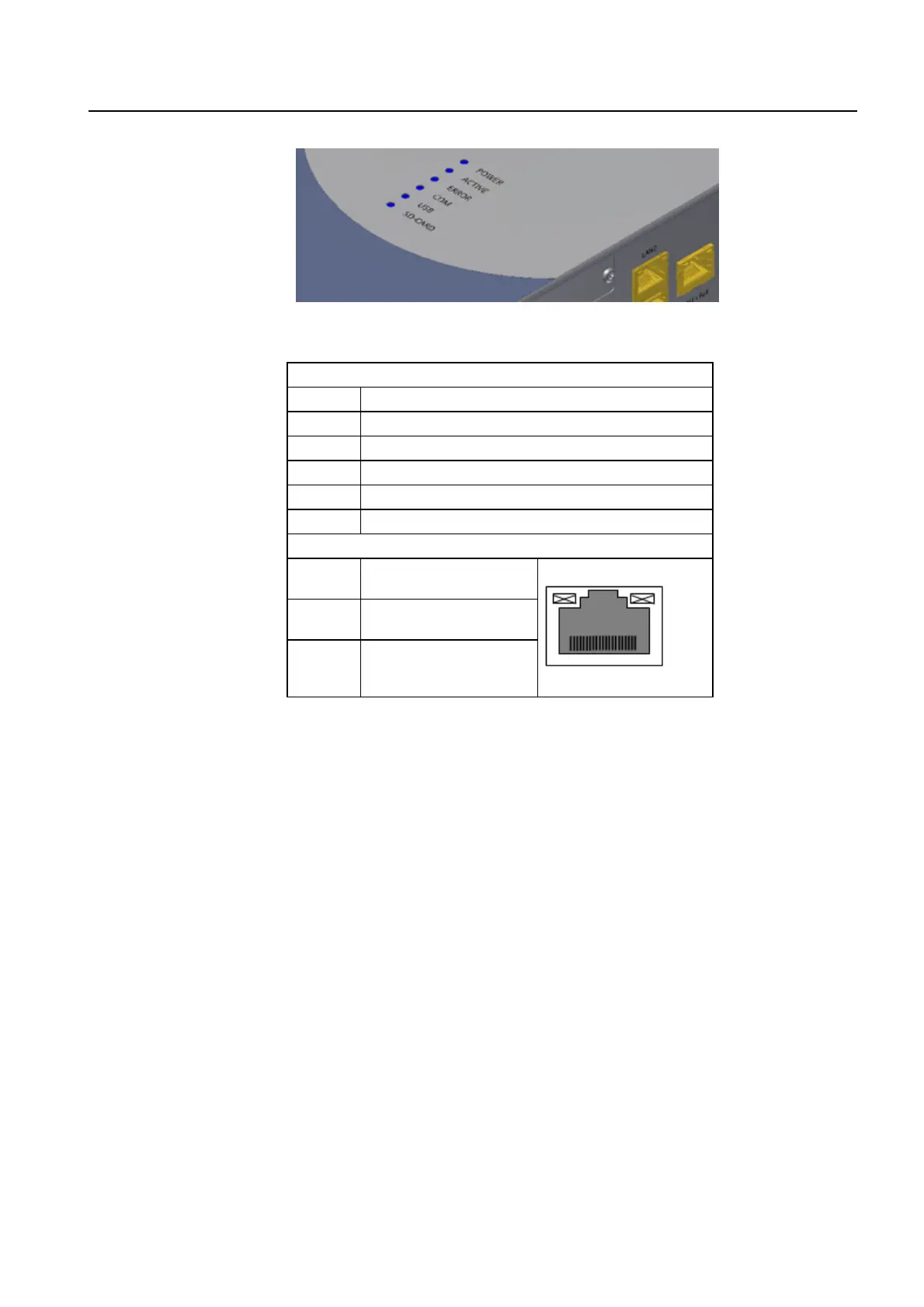
6.3 Indicators (LEDs)
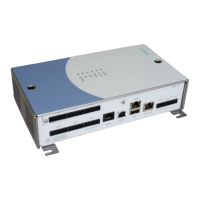
The following tables describe the operation of the LEDs located on the ACC.
Front LEDs
POWER On: The ACC is connected to the power supply
ACTIVE Blinking: The ACC is working correctly.
ERROR On: An error has occurred.
COM Blinking: The ACC is communicating via the FLN ports
USB On: A USB device is connected
SD-CARD On: A SD-Card is inserted
Ethernet ports LEDs
Green
On: Link 10 Mbp
Blinking: Activity 10 Mbp
Orange
On: Link 100 Mbps
Blinking: Activity 100 Mbps
Yellow
Off: Full duplex
On: Half duplex
Blinking: Collision activity







 To Next Page