11
Batteries
When the battery is low the sound becomes weaker or you will
hear an alert signal. The battery type will determine how long you
have to replace or recharge the battery.
Battery size and handling tips
Ask your Hearing Care Professional for recommended batteries.
Battery size: 13
Always use the correct battery size for your hearing instruments.
Remove the batteries if you intend not to use the hearing
instruments for several days.
Always carry spare batteries.
Remove empty batteries immediately and follow your local
recycling rules for battery disposal.
Replacing batteries
Removing the battery:
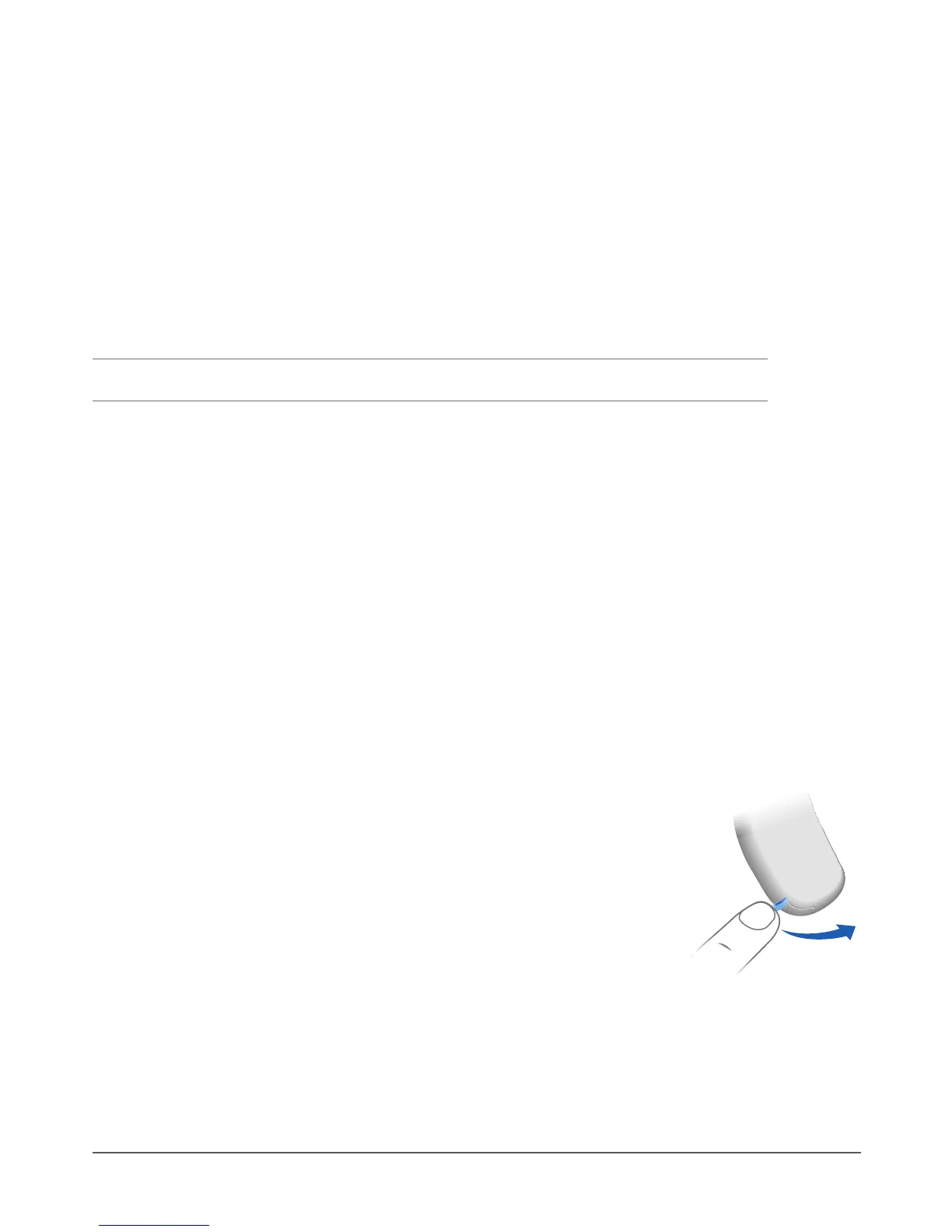
XOpen the battery compartment.



 To Next Page