15
Inserting and removing the hearing instruments
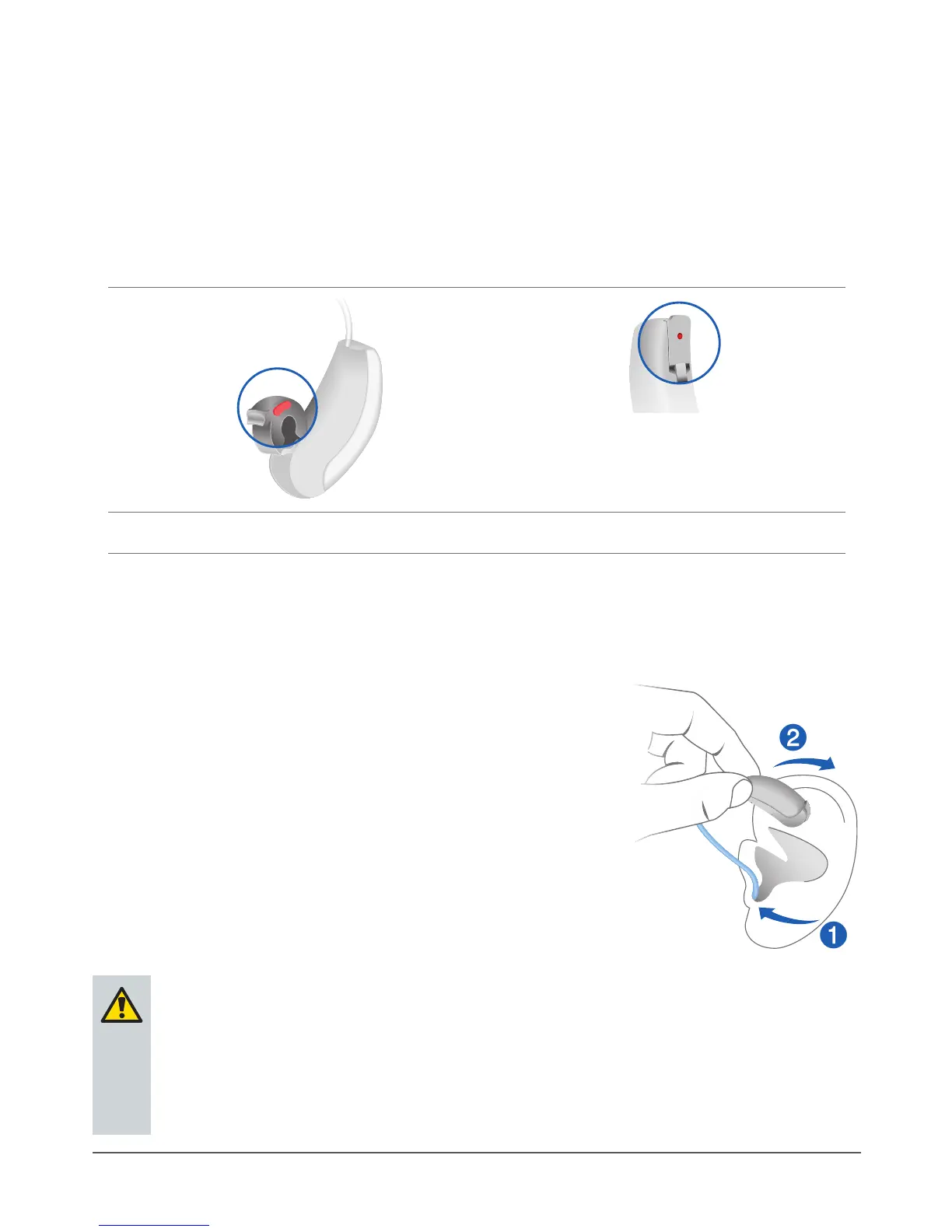
Your hearing instruments have been ne-tuned for your right and
left ear. Colored markers indicate the side:
red marker = right ear
blue marker = left ear
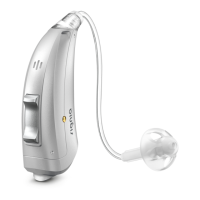
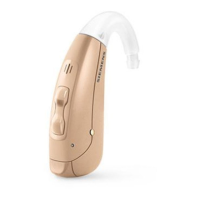
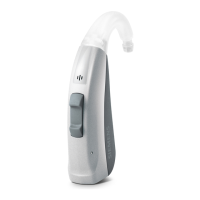
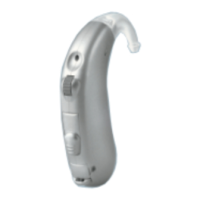
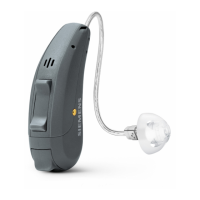
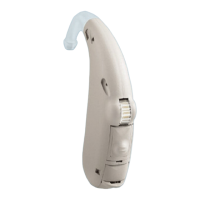
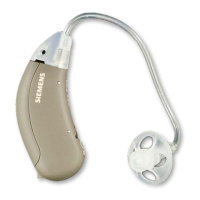
Motion SX, Motion SA Motion PX
Inserting a hearing instrument:
XHold the tube close to the ear piece.
XCarefully push the ear piece into the
ear canal ➊.
XTwist it slightly until it sits well.
Open and close your mouth to avoid
accumulation of air in the ear canal.
XLift the hearing instrument and slide it
over the top of your ear ➋.



 To Next Page