19
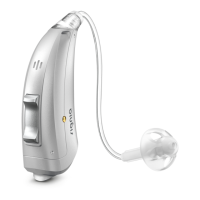
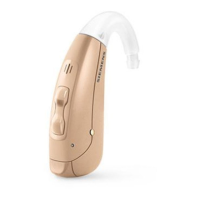
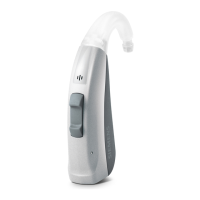
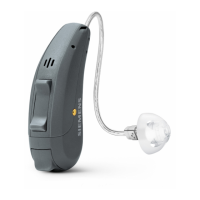
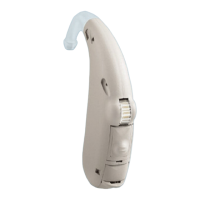
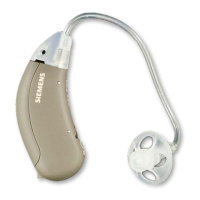
You can select different levels – from “focus to frontal position”
(left picture) to “middle position” (center picture) to “hear all
around” (right picture).
Prerequisites:
You need to wear two hearing instruments.
On one of your hearing instruments the rocker switch needs to be
set for the spatial congurator.
Refer to section “Controls” for the setting of the rocker switch.
With a suitable remote control and smartphone app you have
even more control options.
Setting the focus manually:
X If you have several hearing programs, change to hearing
program 1.
XPress the rocker switch that is set for this function.
The mid level is active by default.
X Press the upper rocker switch to focus more to the front, or the
lower rocker switch to listen to the broader environment.
This function is intended for unique and temporary listening
situations. The hearing instruments thus return automatically
to the automatic setting of program 1 if the sound environment
changes signicantly or after approximately 45 minutes. You can
also exit the spatial congurator mode.



 To Next Page
 Loading...