Switch on the Climatix touch panel
4
18 | 30
4.4 Switch on the Climatix touch panel
Switch on the power supply.
If the screen does not light up in two seconds after powering up, immediately
switch off the power supply. You have probably crossed the cables on the power
supply terminal. Check the connected cables and change them as needed.
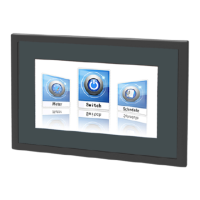
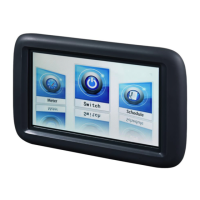
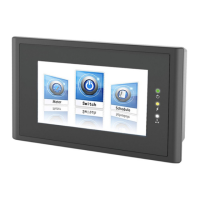
Climatix touch panel has a DEMO application in order to show main functionalities
and features. Please download your own application developed with HMI-TOOL
configuration software.






 To Next Page