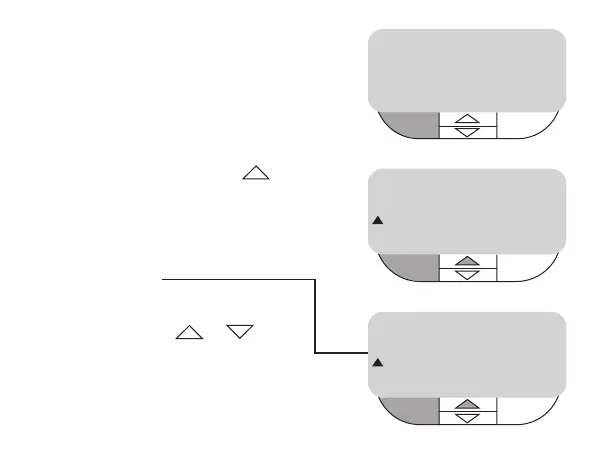
How do I set my holiday
program?
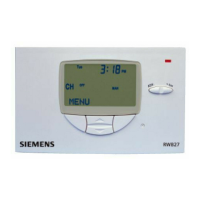
• Press left hand button MENU
• Press top middle button
until SET HOLIDAY is shown
• Press left hand button SELECT
display shows
number of holiday days will
flash, change amount of days
(1-99) by using +/- , when
desired amount of days is in the
display press left hand button
ENTER, then right hand button
EXIT to return to MENU
SET HOLIDAY
SELECT EXIT
ADJUST DAYS
ENTER +/- BACK
MENU
3:37
PM
CH
OFF
MAN
3:37
PM
20
CH
OFF
MAN



 To Next Page