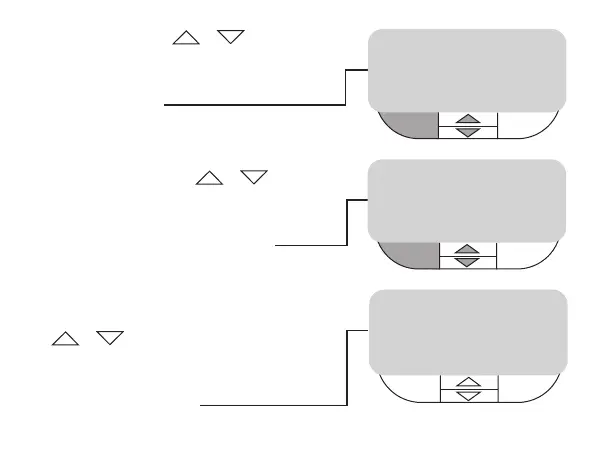
• Alter year using +/- buttons,
when correct year is shown press
left hand button ENTER,
display shows
• Alter month using +/-
buttons to scroll, when correct
month is shown press left hand
button ENTER display shows
• Alter day of the month using
+/- buttons, when correct day
of the month is shown press
ENTER then press right hand button
EXIT display shows
SET MONTH 09
ENTER
+
/- BACK
12:00
PM
SET DAY 09
ENTER
+
/- BACK
12:00
PM
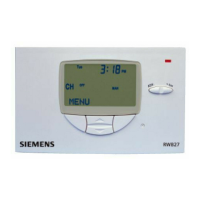
MENU
3:37
PM
CH
OFF
MAN
Mon



 To Next Page