25
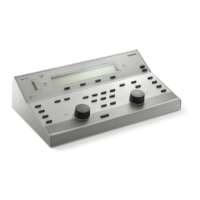
TALKBACK
While selected (as indicated by the indicator
above the key) the signal from MIC2 is routed
continuously to the MONITOR output. Press the
key again to de-select. The talkback level may be
adjusted by the SIGNAL control while key is held
down.
PRINT
Press to print audiogram; see Section 3.11 for
further details.
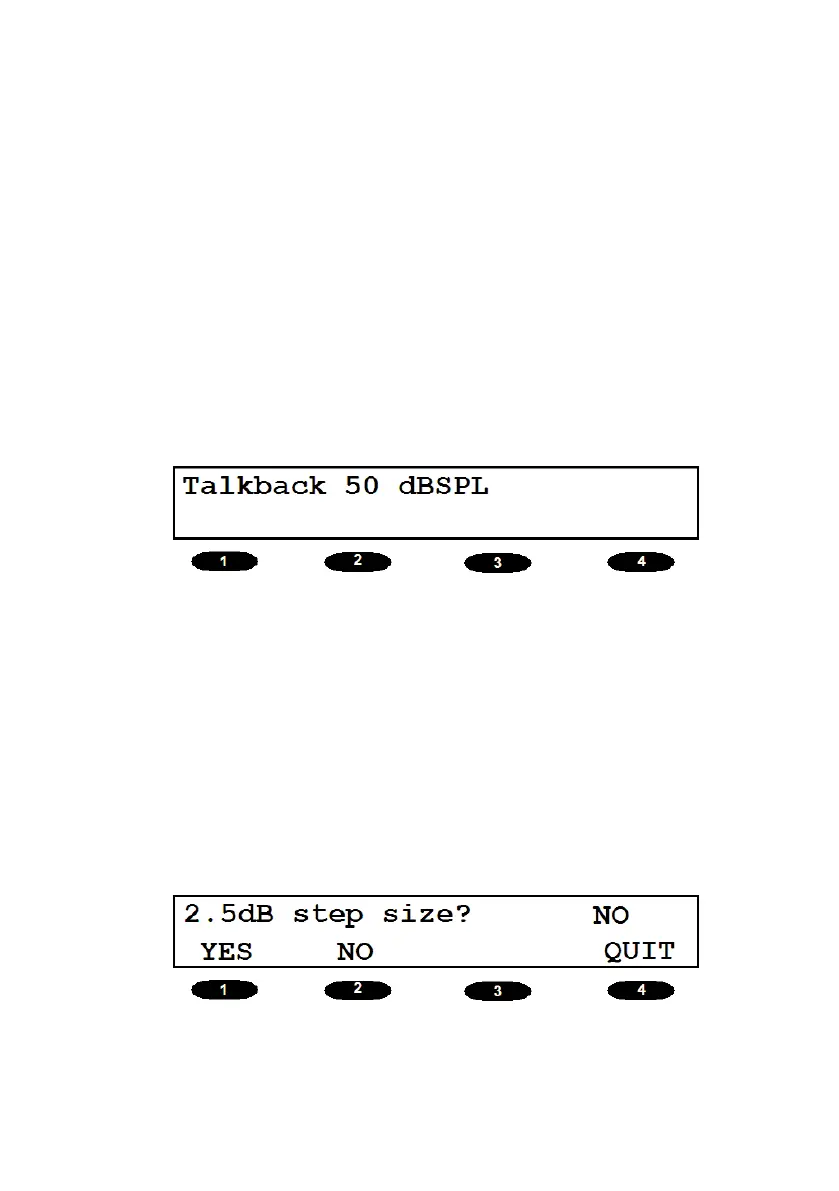
dB STEP
Enables the operator to set 2.5dB as the default
step size.
In case 2.5dB step size is not selected, 5 dB step
size is taken as default.


 To Next Page
 Loading...