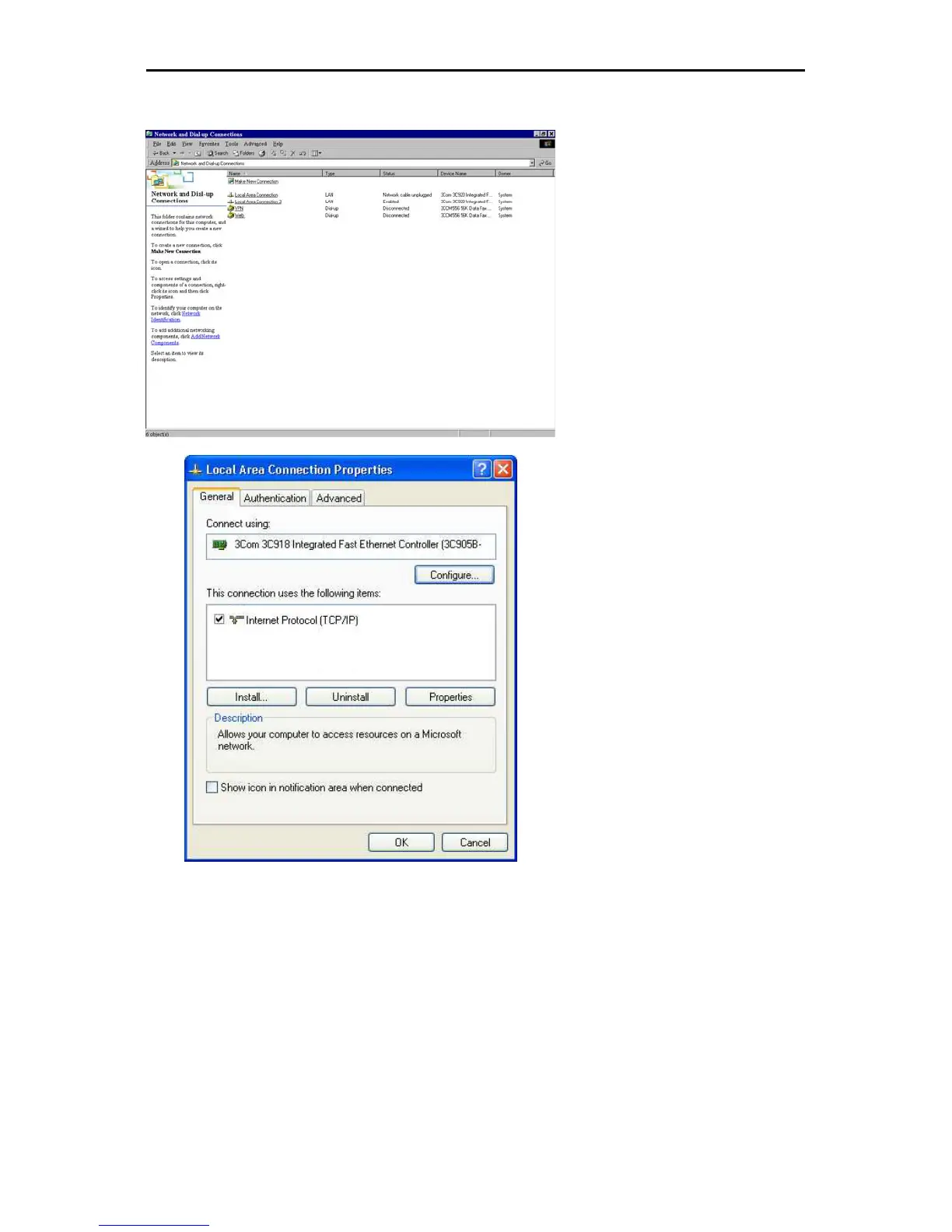
Setting the IP address of the ChemWeb Server
9
The network connection can be controlled and adapted under “Control Panel” ==> “Network and
Internet Connections” ==> “Network Connections”.
In this window all network
connections can be controlled and
adapted.
Right click on “ChemWeb Server
Connection”; select “Properties”.
In this window, only the element
“Internet protocol (TCP/IP)” is
required. All other elements can be
deleted. The element “Internet
Protocol (TCP/IP)” must now be
configured by clicking
“Properties”.










 To Next Page