Server Setup
30
This menu item shows a separate page listing all network configuration data of the ChemWeb
Server. Disconnect the power supply of the ChemWeb Server. Then short-circuit digital inputs
IN1 and IN2 by means two wire jumpers. Restart the ChemWeb Server by connecting the power
supply again.
The jack end of the serial cable is connected to the free serial interface of the laptop computer/PC.
The plug end is connected to the “COM1 null modem” socket at the ChemWeb Server.
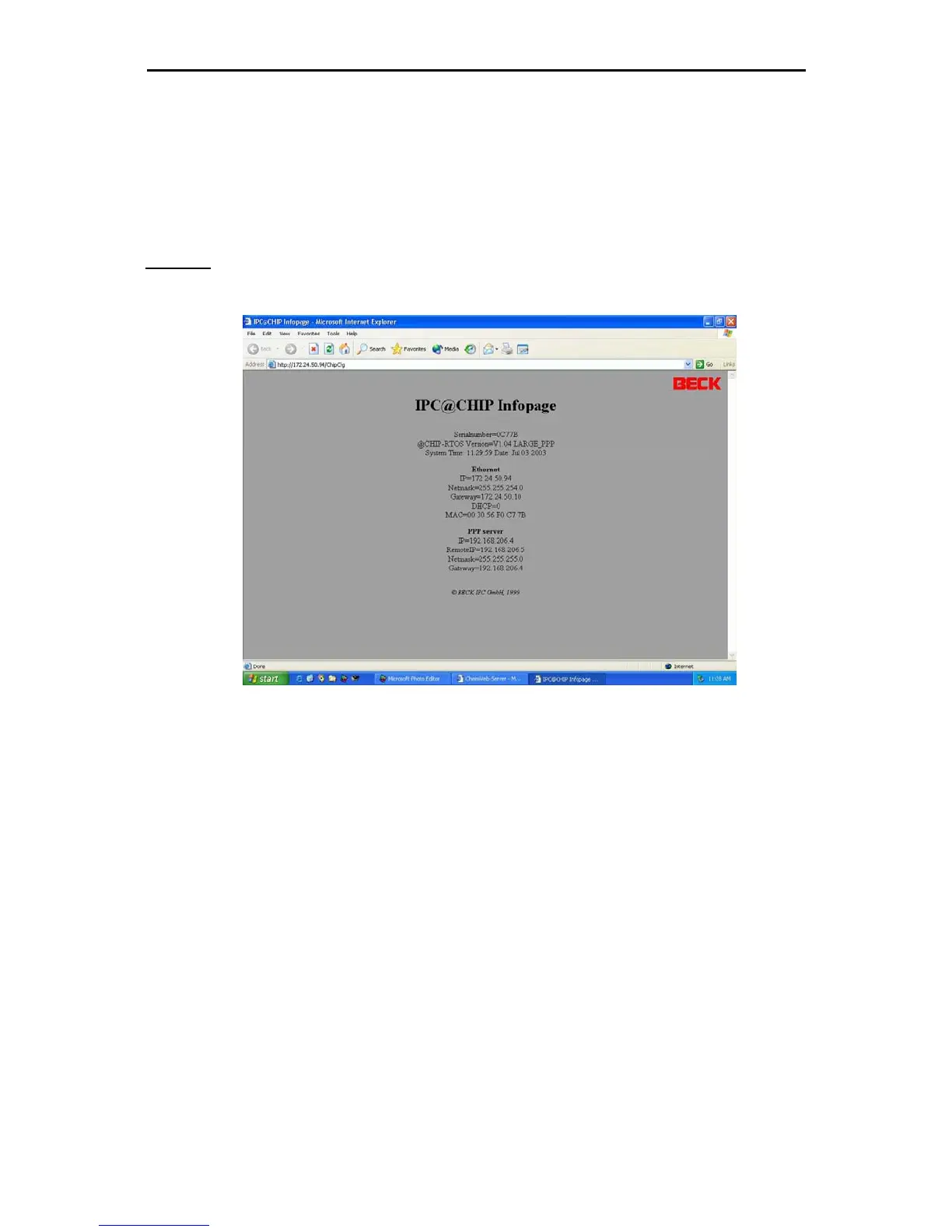
Chip info
This menu item shows a separate page listing all network configuration data of the ChemWeb Server










 To Next Page