Setting parameters with the BOP20
4.2 Displays/indicators and using the BOP20
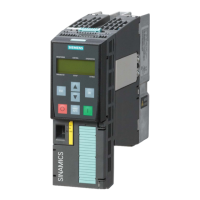
Basic Operator Panel 20 (BOP20)
Operating Instructions, 11/2017, A5E00809375A
23
The status display for each drive object can be set using p0005 and p0006. Using the status
display, you can switch to the parameter display or to a different drive object. The following
functions are supported:
● Changing the active drive object
– Press the "Fn" key and "Arrow up" -> the drive object number at the top left flashes.
– Select the required drive object using the arrow keys.
– Confirm with the "P" key.
● Parameter display
– Press the "P" key.
– The required parameter can be selected using the arrow keys.
– Press the "Fn" key -> parameter r0000 is displayed.
– Press the "P" key -> returns to the status display.






 To Next Page