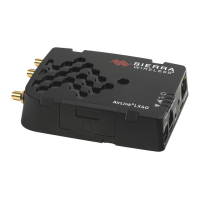
8 Connecting a Sierra Wireless LX40 Router to an Eaton Network Card P-164001160—Rev 01
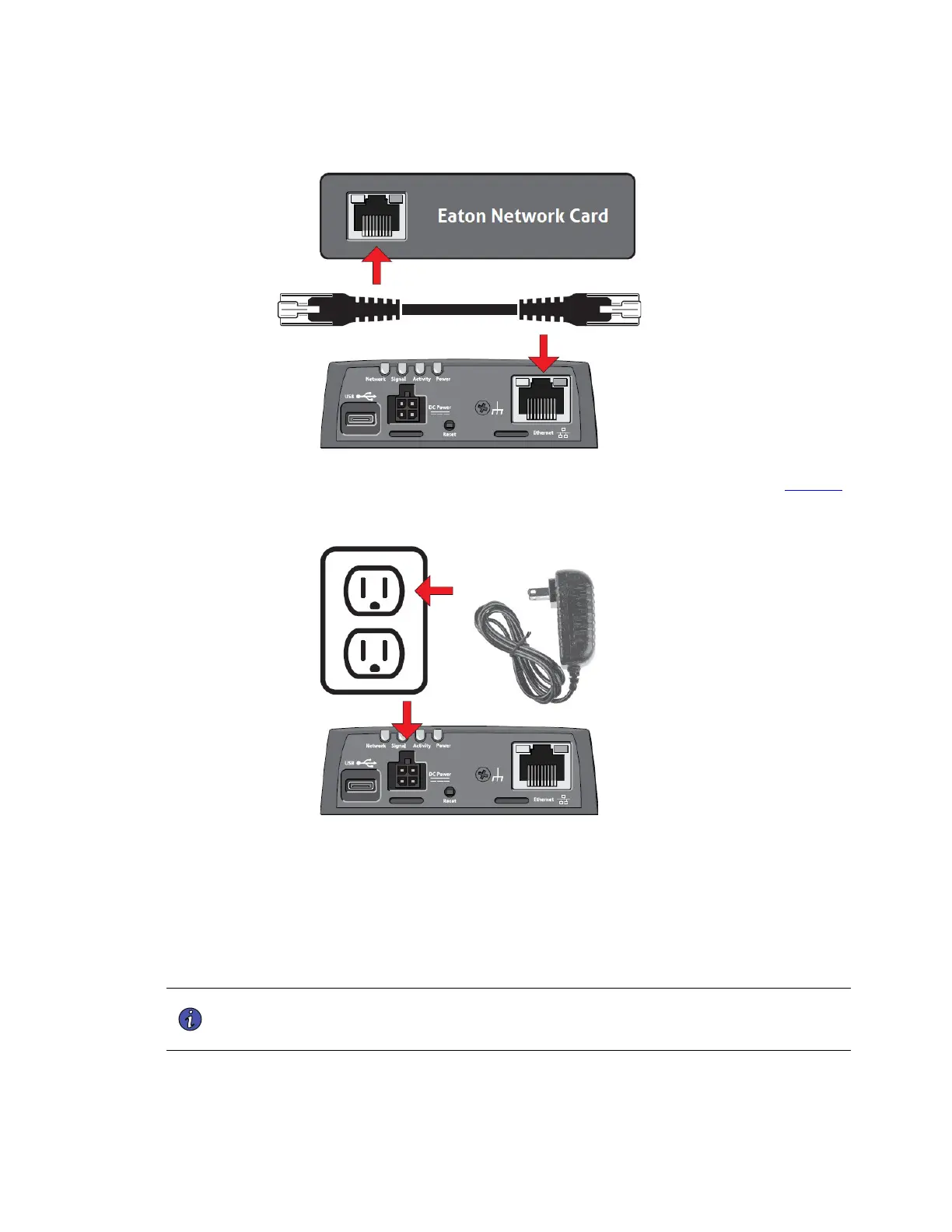
Figure 10. Connect the Router to the Network Card Using the CAT6 Cable
5. Plug the AC adapter into a UPS-powered 120V outlet and connect the adapter to the router (see Figure 11).
Figure 11. Connect the AC adapter to the Router
6. Allow at least three minutes for the router to boot.
7. Once connected, the LEDs on the network card’s Network port should light and the green LED at the top
left of the SETTINGS port should blink.
PPrreeddiiccttPPuullssee AAccttiivvaattiioonn
The Sierra Wireless LX40 LTE Router comes pre-programmed with an app that will automatically activate the
network card for PredictPulse.
NOTE The registration process to activate the unit for PredictPulse may take 15 minutes or
more. To ensure the PredictPulse activation was successful, call the Brightlayer Data
Center at 800-356-5737, option 2, option 2 for assistance.
PredictPulse Activation


 To Next Page