10 Your Device
Battery
The battery compartment is on the back of the device. The battery is replaceable. If you need a new
battery or want to purchase a battery extender (a high-capacity battery that provides improved battery
life), visit the Sierra Wireless online store at
https://www.sierrawireless.com/eStore. Chargers and
other accessories are also available from the Sprint Store at
www.sprint.com.
Installing the Battery
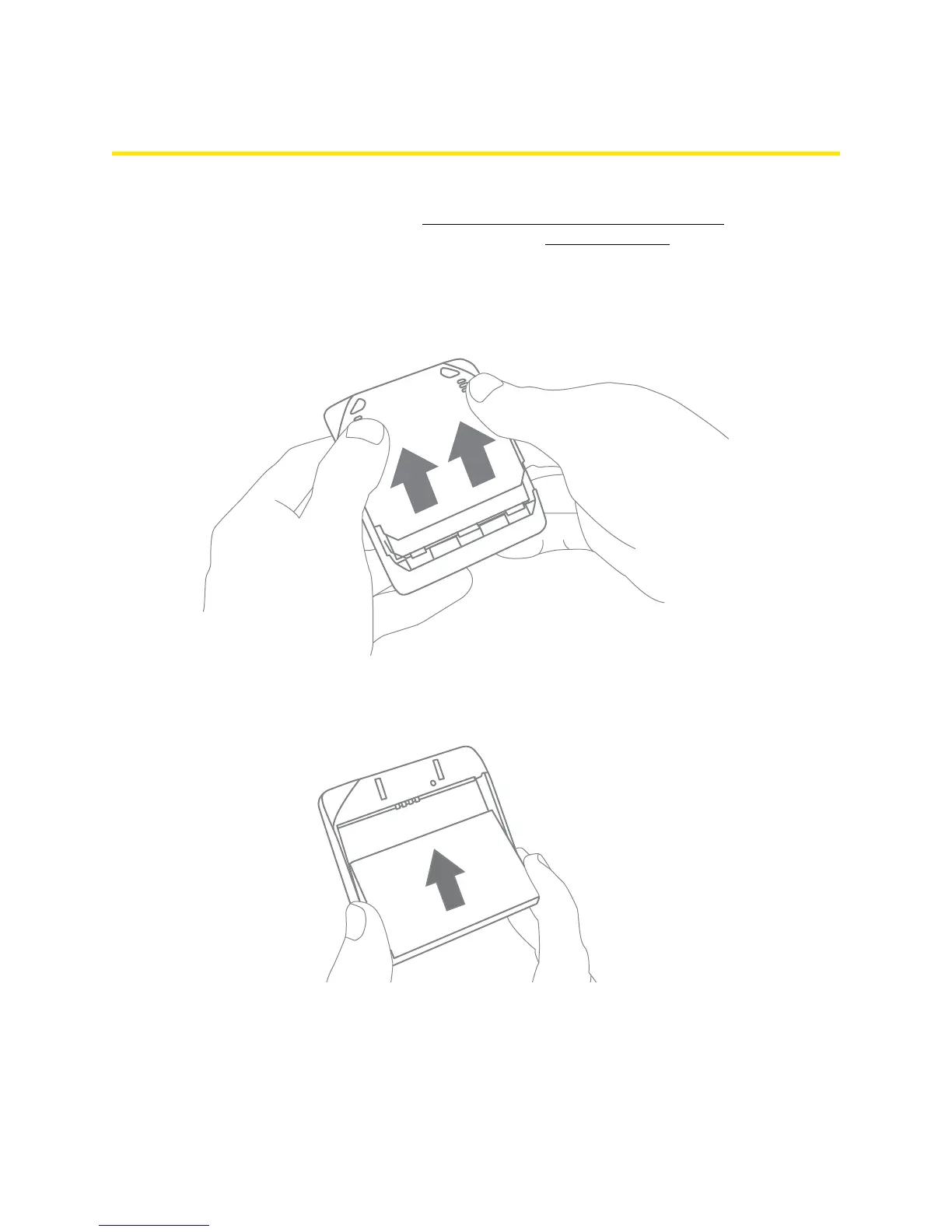
1. Using slight thumb pressure, slide the battery compartment cover upward to remove it.
2. Insert the battery into the device, contacts end first. Make sure the battery contact points are
aligned with those inside the battery compartment.



 To Next Page