Your Device 11
Your Device
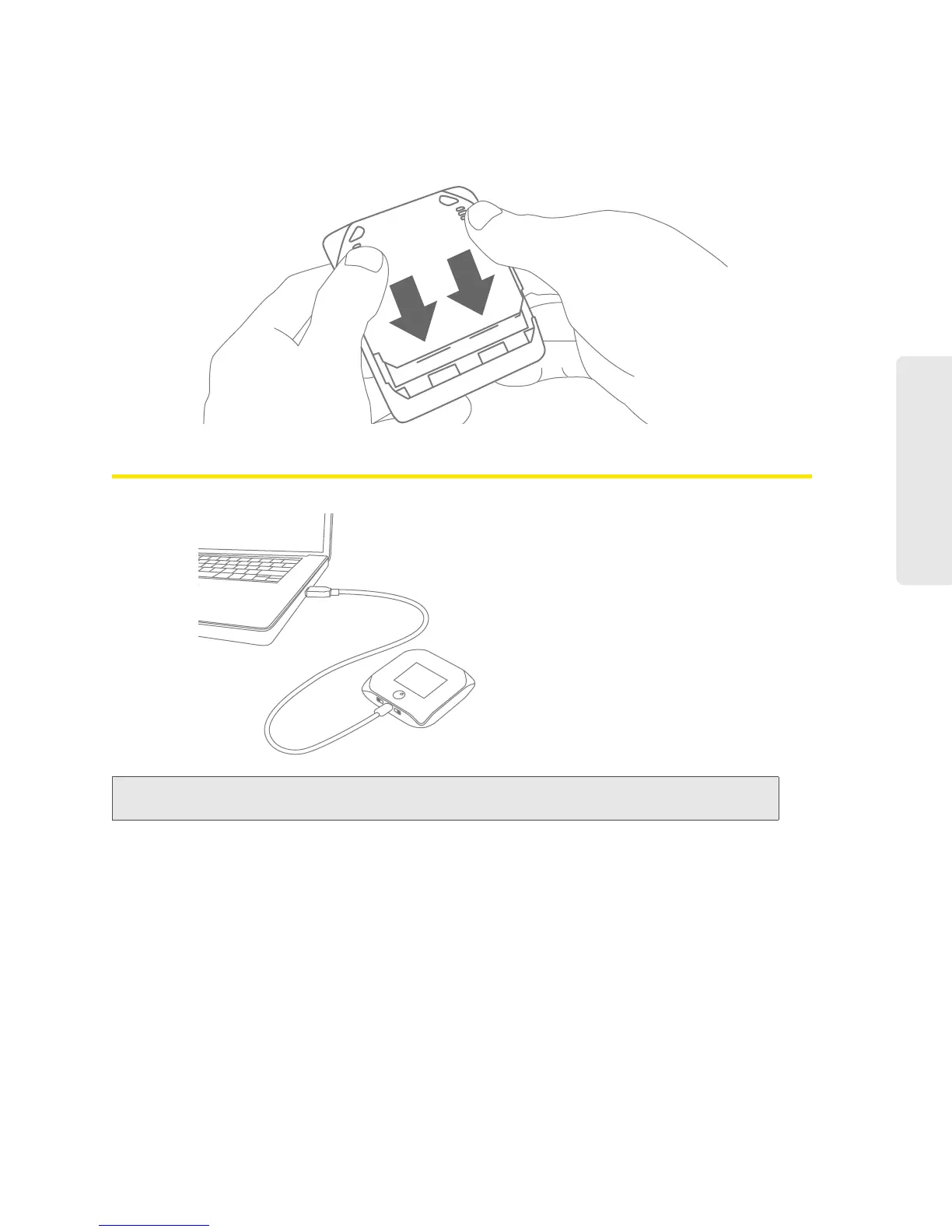
3. Replace the battery compartment cover.
Connecting Through USB
Note: If you’ll be using USB for data transfer (and not just for charging the device), you must install the
device driver. (See “Making a Tethered Connection” on page 29.)
Use the micro-USB cable (included) to connect the device to your computer when:
● Y
ou want to charge the device, but you don’t want to use the AC charger, or the AC charger is
not available.
● Y
our computer does not have Wi-Fi.
● Y
ou want to block others from using the device. (See “Disabling Wi-Fi When Connected
Through USB” on page 94.)



 To Next Page