13
Operation
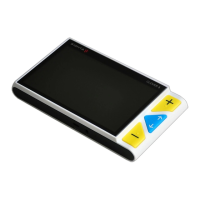
Power Button
Press and hold the power button for 5 seconds to turn
on/off the unit.
When the unit is on, press the power button to check the
current status of battery capacity, freeze mode, focus status,
and beep.
Press other buttons when holding the power button will make
combo functions. Refer to the following instructions for more
details.



 To Next Page