25
Find
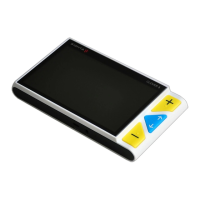
Long press the Locate button for 2 seconds and hold not to
release it, a location box would appear.
Move and change the content in the location box, aiming it at
the part you want to view, and then release the Locate
button , the image will return back to the previous
magnification with the refreshed content.
For example, you are viewing one part of a map with a certain
magnification. Then you want to see another part without
changing your favorable magnification. Then the function would
be convenient and useful for you.



 To Next Page