22
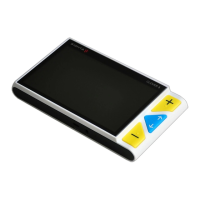
Image Playback
To enter the Playback mode, long press the True Color
button for 3 seconds.
Slide the Joystick to select the target image from the Nine
Grids Thumbnail Image Gallery. Press the True Color
button to view the target image. You can view and
navigate the image with the same operations described in the
Image Freeze section. Press the Freeze button to return to
the Nine Grids Thumbnail.



 To Next Page