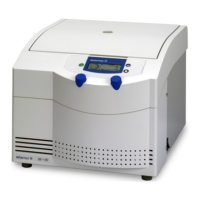
Operating Manual SIGMA 2-5, page 28 of 55
03/06
3.4 Initial Start-Up
Attention!
Before initial start-up please take care that your centrifuge is orderly installed
(refer to chapter 3.2 "Installation").
3.4.1 Switching on of the Centrifuge
Press mains switch (right side panel).
− The centrifuge display is illuminated.
3.4.2 Opening Lid
Press the Lid-key.
− The lid opens.
3.4.3 Installation of an Angle Rotor and a Swing-out Rotor
Put a rotor onto the shaft and fasten it by screwing the rotor tie-down screw
clockwise onto the drive shaft. Please use the supplied rotor wrench and hold the
rotor with one hand (refer to chapter 3.3 "Insertion of rotor and accessories").



 To Next Page