Operating Manual SIGMA 3-16K, page 41 of 69
03/06
4.1.1 Start-key
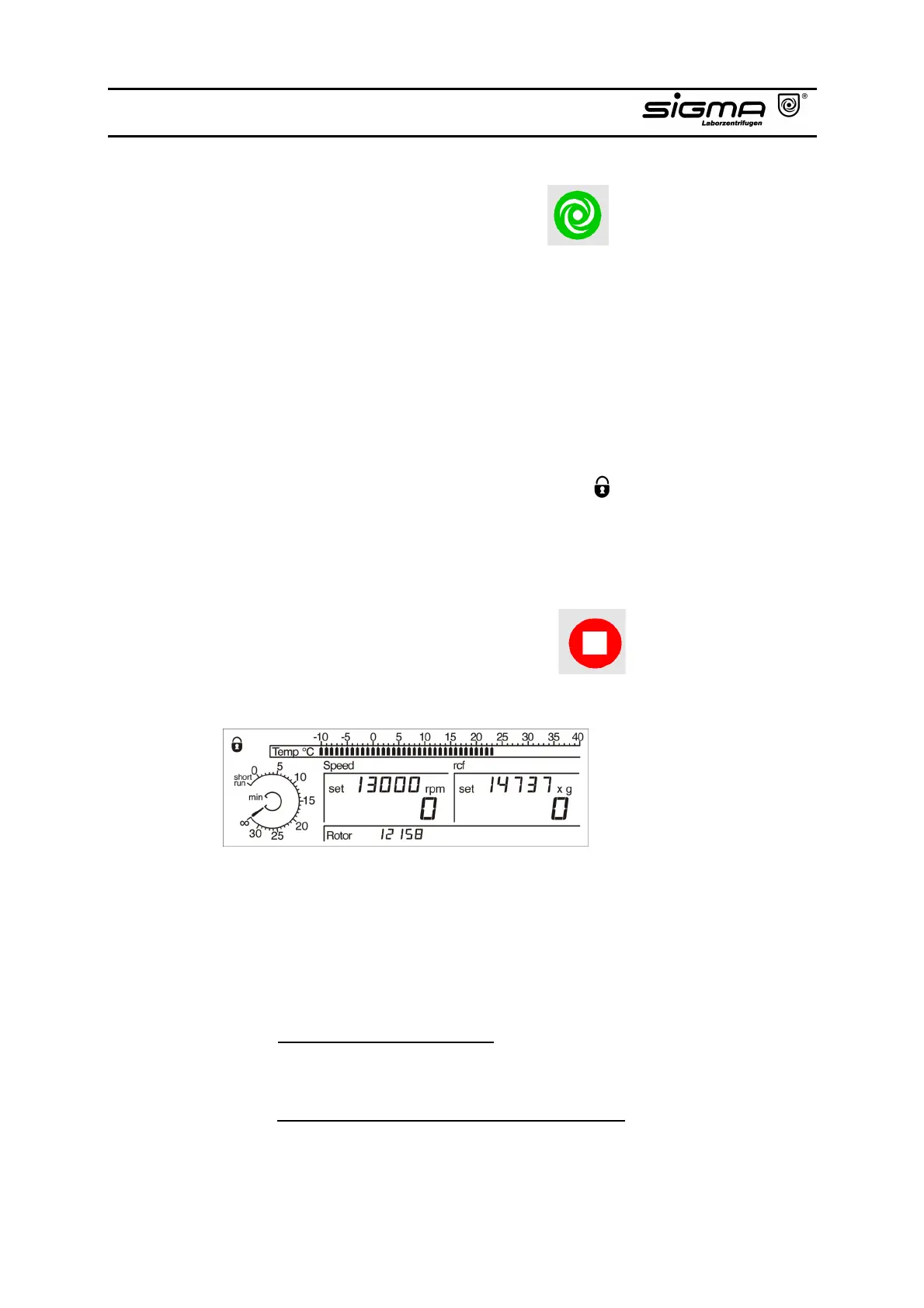
This key can be used for the following:
• starting centrifuge operation when the lid is closed and the start-key is illuminated,
• terminating a previously started deceleration process and restarting the
centrifuge,
• shifting to short-run (refer to chapters 4.2.3.2.1, 4.2.3.2.2),
• saving a program. The parameters speed, time and rotor preselection can be
locked, thereafter a change is impossible. Starting and stopping the centrifuge
and opening of the lid is always possible.
Open centrifuge lid. Press the start-key 3 x and hold for approx. 2 seconds
when pressing for the third time. The symbol " " in the display is flashing.
Cancellation of this function occurs in the same way.
4.1.2 Stop-key with Preselection of the Soft Stop and/or Soft Start
Function
This key can be used for the following:
• early terminating the run,
The centrifuge decelerates to a complete stop. Deceleration can be terminated
by pressing the start-key again and the centrifuge can be restarted.
• activating the soft stop and/or soft start function resulting in a longer
deceleration and/or acceleration time. When activated “soft stop“ and/or “soft
start“ is displayed.
This is possible when
- the centrifuge is at standstill:
Activation or deactivation of “soft stop“ and/or “soft start“ by pressing
the stop-key.
- the centrifuge is running, stop-key illuminated:
Press the stop-key. “soft stop“ and/or “soft start“ can be activated or
deactivated during deceleration by pressing the stop-key again.



 To Next Page