Operating Manual SIGMA 3-16K, page 51 of 69
03/06
4.2.4 Preselection of a Rotor
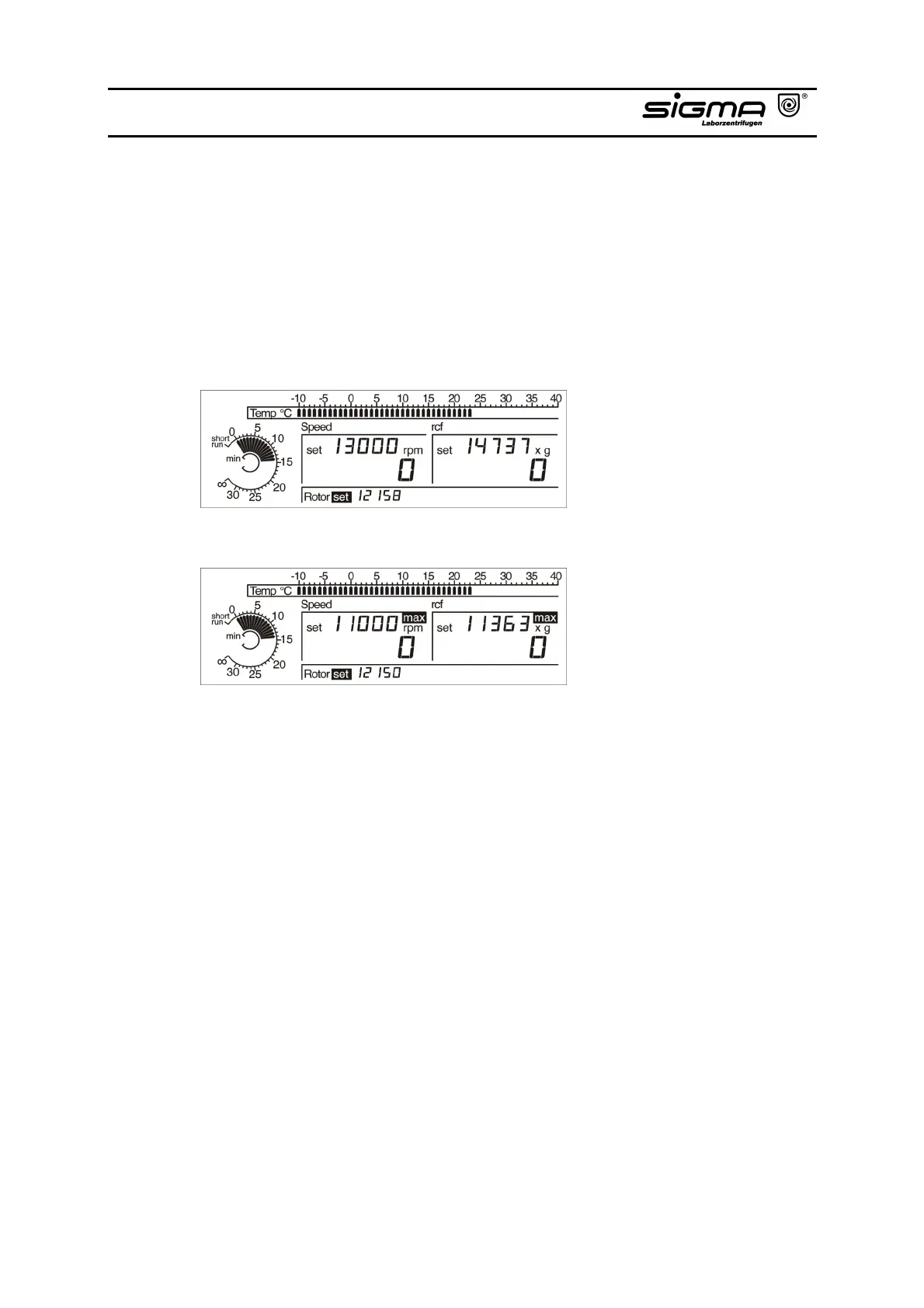
The display “Rotor“ shows the preselected respectively the recognized rotor.
Activate “set“ in the “Rotor“ area using the left knob. An other rotor can be
selected by turning the right knob. This is not possible during a centrifuge run.
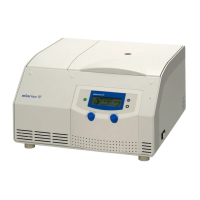
Attention: An automatic rotor identification occurs after the centrifuge has
been started. If the used rotor is not the same than the
preselected one, the used rotor is displayed and the
preselected speed is corrected.
Preselected rotor 12158
Changed to rotor 12150



 To Next Page