EasyManua.ls Logo

Sigma 980 - Flow Meter Basic Programming Setup Flow Chart

Sigma 980
168 pages
Print Icon
To Next Page IconTo Next Page
To Previous Page IconTo Previous Page
Loading...
Page 150
980 Quick-Start Guides
Appendix F
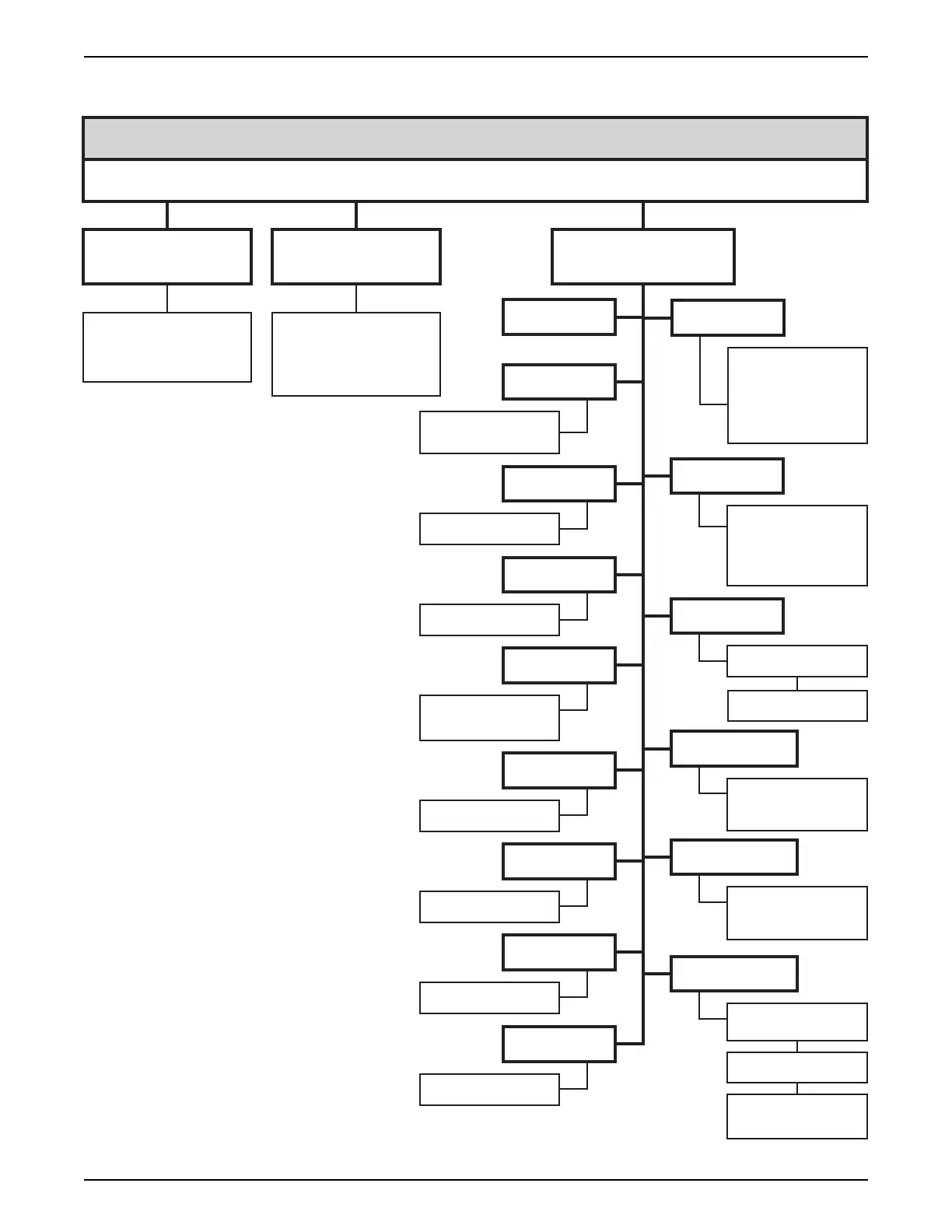
980 Flow Meter Basic Programming Setup Flow Chart
Main Menu
Setup
Displays Program
Settings for Review
(no changes allowed).
Steps through each
Program Setting
(same items as
Modify Selected Items)
Login
GPS, GPM, GPH,
LPS, LPM, LPH,
MGD, AFD, CFS,
CFM, CFH, CFD,
CMS, CMM, CMH,
or CMD
Feet, Inches, Meters
or Centimeters
Area Velocity,
Manning Equation,
Non-Level Only, Weir,
Flume, Power Equation,
Head vs. Flow
Enable or Disable
Enter Site I.D. #
Acre Feet, Cubic Feet,
Gallons, Liters, or
Cubic Meters
fps, or m/s
fps, or m/s
Enter velocity Cutoff Value
Set Baud Rate
Enable or Disable
Upstream (normal),
Downstream, or
Always Positve
Upstream (normal),
Downstream, or
Always Positve
Enable or Disable
Modem Power
Select Flow Interval
and Flow Units.
Review All Items Modify All Items Modify Selected Items
Flow Units
Primary Device
Level Units
Program Lock
Site I.D.
Total Flow Units
Sampler Pacing
Velocity Direction
Velocity Units
Velocity Units
Velocity Direction
Modem
Velocity Cutoff
RS232
Enter Phone Number
Select Dial Method
(tone or pulse)

Table of Contents