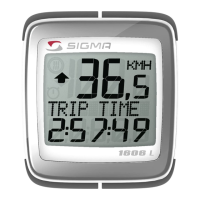
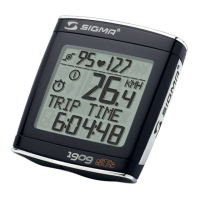
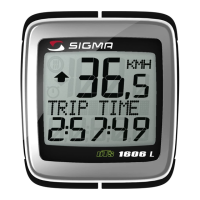
KMH/MPH entry Réglage KMH/MPH / Introducción KMH/MPH
খ
MODE
3. KMH / MPH
• Press MODE button until KMH / MPH is displayed.
• Press SET button briefly, KMH or MPH is displayed and
flashing.
• Select MPH or KMH with MODE button.
• Confirm by pressing SET button briefly.
3. KMH / MPH
• A l'aide de la touche MODE changer le réglage KMH/MPH.
• Appuyer brièvement sur la touche SET.
• KMH ou MPH apparaît à l'affichage et clignote.
• Régler MPH ou KMH à l'aide de la touche MODE.
• Confirmer par la touche SET.
3. KMH / MPH
• Con la tecla MODE cambiar a la introducción de KMH/MPH
• Pulsar la tecla SET brevemente.
• En la pantalla aparece KMH o MPH y parpadea.
• Con la tecla MODE ajustar MPH o KMH.
• Confirmar con la tecla SET.
MPH KMH
SET
KMH / MPH
SET
MPH
SET
KMH
SET
SET OK



 To Next Page
 Loading...