99
3
Press the or
button.
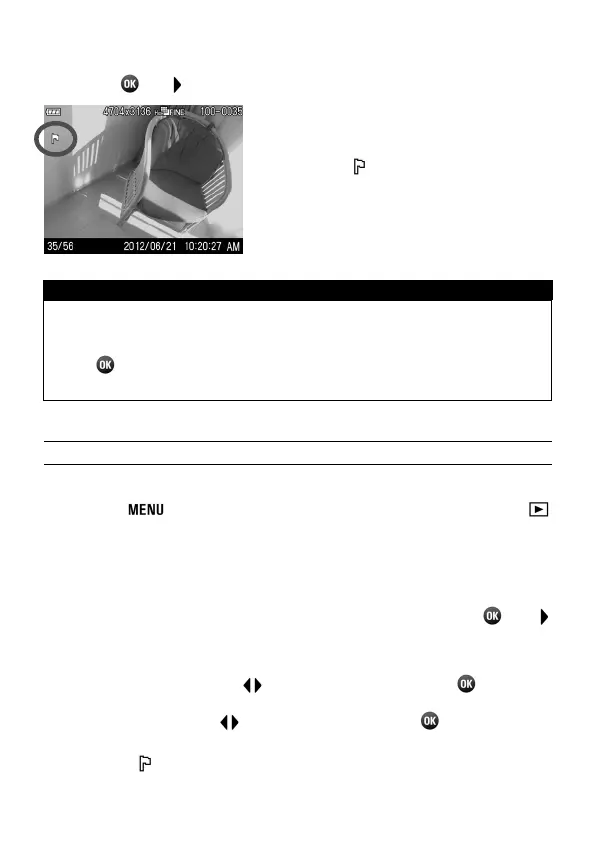
● A flag icon
will appear in the image
indicating that the image is marked.
TIP
To unmark a marked image, select the marked image and follow
the same steps as above.
The button can be used as a shortcut key for marking images.
(See P.102)
MARKING ALL IMAGES
1
Press the button while displaying an image and open [
Playback Menu] (P. 2 8) to select [Mark].
2
Select [Mark All] from the sub-menu.
3
A confirmation dialog will be displayed by pressing the or
button.
4
Select [Yes] by using the buttons to and press the
button to
apply the setting. If you want to cancel to apply the setting, please
select [No] by using the
buttons to and press the
button.
● A flag icon will appear in all marked images.



 To Next Page