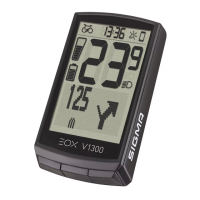
EOX
®
VIEW 1300 I Operation I 17
3.11 Device totals
Short-press B button
to change totals
Set ten thousands digit
and short-press B button
Set thousands digit
and short-press B button
Set hundreds digit
and short-press B button
Set tens digit
and short-press B button
Set ones digit
and short-press B button
Total value (i.e. distance)
set to new value
− EOX
®
VIEW 1300 records its own total distance and ride time independent from E-System.
− Long-press B button (>2 s) to enter menu.
− Select item Totals and short-press B button.
− It is possible to manipulate the device total values:
3.12 Service alert
− EOX
®
VIEW 1300 shows a pop-up message if service of connected E-System is due.
− The service alert can be defined based on total ride distance and/or date.
− This pop-up message will be shown once (when it happens) and each time EOX
®
VIEW 1300 is powered on again
until service is done.
Service alert
pop-up message


 To Next Page