EOX
®
APP I 23
Menu “Settings”
My Bike
− Customized settings, e.g. screens of the EOX
®
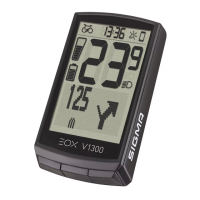
VIEW 1300 can be customized
− Firmware updates for EOX
®
VIEW 1300
− Total values (distance, ride time)
Connect heart rate sensor
− Via app you can connect a compatible bluetooth heart rate sensor with
the EOX
®
VIEW 1300
− By tapping on the EOX
®
App settings will open. Select “Heart rate sensor”.
− Follow the app instructions to connect a heart rate sensor with the EOX
®
REMOTE 500
or EOX
®
VIEW 1300.
General settings
− Set language and scale unit
User
− User settings
Cloud & Apps
− Recorded trips can be synchronized with the SIGMA CLOUD
or shared to third party platforms as STRAVA and komoot
Goals
− Set goals to keep yourself motivated
Help & Feedback
− Videos of the EOX
®
series
− Contact our support


 To Next Page