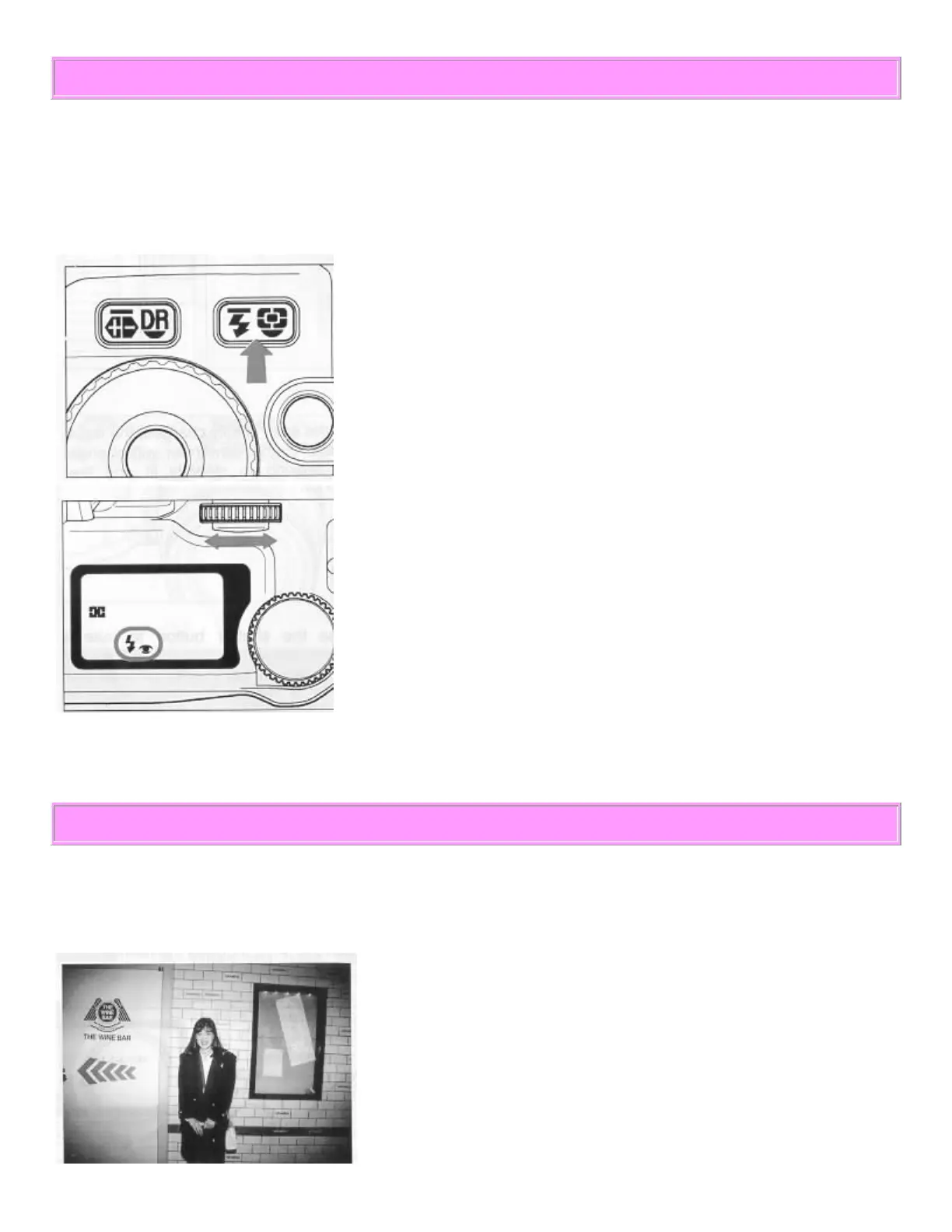
RED EYE REDUCTION
When you take a flash picture, sometimes the person's eyes reflect the flash light and appear" red-eye" in the
picture. Use the red-eye reduction mode when you photograph a person who is looking directly at the camera.
The flash will blink several times about one second before the picture is taken.
How to set the red-eye reduction flash mode
1. Press the Flash Mode Button.
2. While pressing the button, turn the L S-dial until the "eye" appears
on the LCD.
Then remove your finger from the button.
Once you set the Red-Eye Reduction Mode, the camera continuously
holds that mode until you change the Flash Mode setting.
PRECAUTIONS FOR USING THE BUILT-IN FLASH
The built-in flash covers a 28 mm angle of view. If you use a lens wider than 28 mm, such as the 24-70 mm
zoom lens or the 18 mm ultra-wide-angle lens, the flash will fire but there will be underexposed areas around
the edge of picture.



 To Next Page