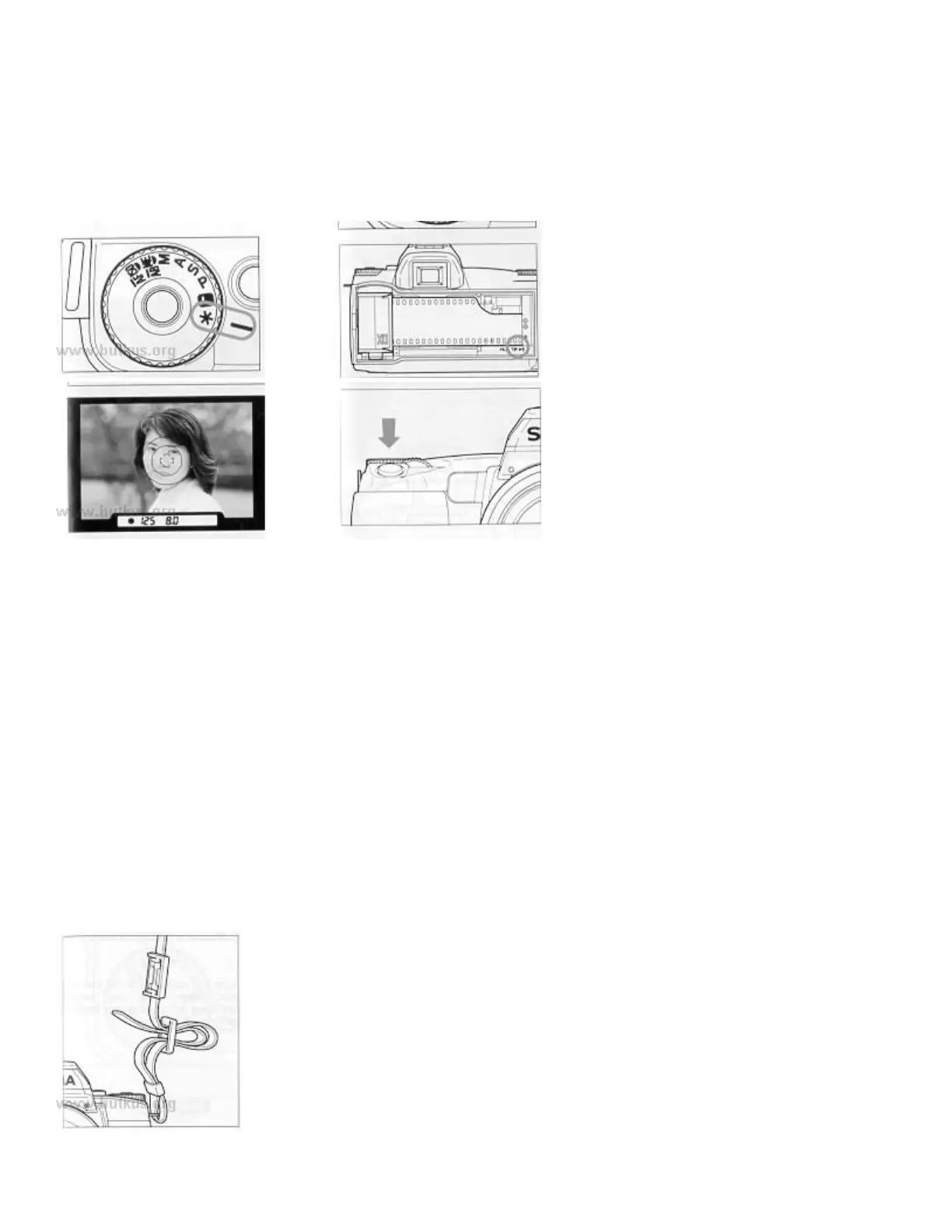
4. Set the mode dial to the "*" position.
Turn the mode dial while pressing the lock button.4www.butkus.org
5. Insert the film
Insert the film and align the tip of the film with the Film Position Mark. Then close the back cover.
6. Align the subject in the AF frame
7. Press the shutter button
ATTACHING THE CARRY STRAP
1. Undo the strap end.
2. Thread Finder cap on the strap.
3. Then attach the carry strap as shown.



 To Next Page