BUILT IN FLASH
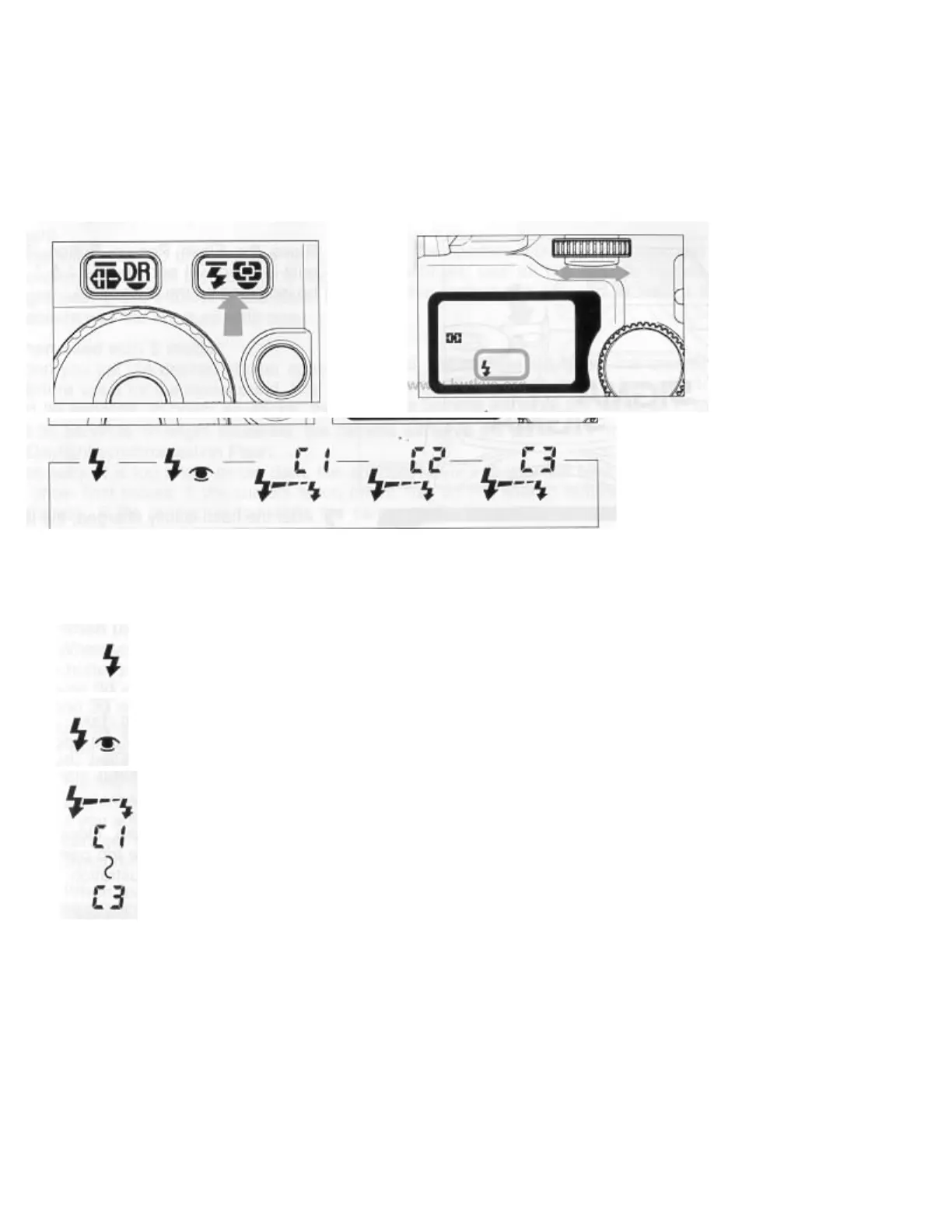
When you set the mode dial on the P. S. A, or M mode, one of three flash modes can be selected. To make your
selection, press the flash mode button and turn the S-dial while pressing the button until the desired mode is
displayed on the LCD panel.
Do not use the built-in flash when the external flash is mounted onto the hot shoe.
1. ON MODE The flash will fire normally.
2. RED-EYE REDUCTION FLASH ON mode with Red-Eye reduction flash. See page 29 for more
details.
3. WIRELESS FLASH MODE
When you use the optional external flash SIGMA EF-430, wireless flash photography
refer to the instruction book of EF-430 for more details.
The Wireless Flash Mode will be cancelled if you set the mode dial to the L position.



 To Next Page