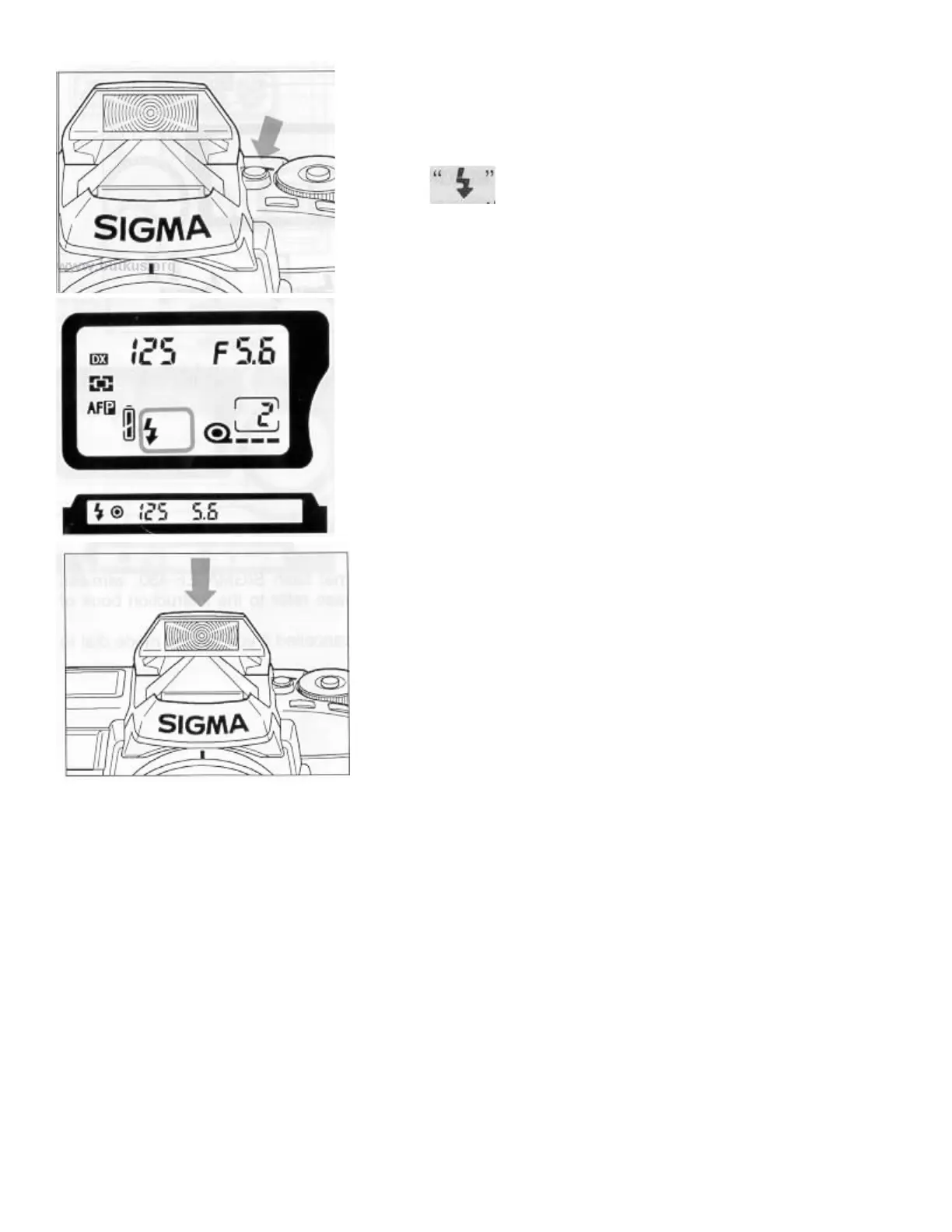
1. Press the Flash Pop-up Button. The I built-in flash will pop-
" will be indicated on the LCD panel.
2.
After the flash is fully charged, the flash indicator in the viewfinder
will change from blinking to steady.4www.but kus.org
3. Press the shutter button to take a picture. If the flash is not fully
charged, (the flash indicator is blinking) the shutter can not be
released.
4. Af
ter you finish using the flash, close the flash head by pressing the
top part of the flash as shown in the illustration.
Excessive consecutive firing of the built-in flash may cause
impairment to the flash component. Do not fire the flash more than 36
tim
es continuously and, after a significant period of continuous firing,
rest the flash at east 10 minutes to allow the component to cool. Also,
when you use the flash continuously, the grip of the camera will
become warm. This Is normal and not a defect.
When used with P mode
The camera will select the appropriate aperture value for any background. In bright situations, the camera will
calculate the appropriate flash amount to obtain correct exposure for both the subject and background. (Daylight
synchronization Flash)
If the subject is too bright or too dark, the aperture indicator will blink and will show limit values. If the subject
is too bright, use an ND filter to reduce the brightness. If the subject is too dark, the camera will proceed to take
a flash exposure with the aperture wide open.
When used with S mode
When you set the desired shutter speed, the camera will select the appropriate aperture value for the
background. The shutter speed will operate between 1/125 and 30 seconds. In bright situations, the camera will
work the same as P mode for Daylight synchronization Flash.
If the subject is too bright or too dark, the aperture value indicator will blink and will show limit values. If the



 To Next Page