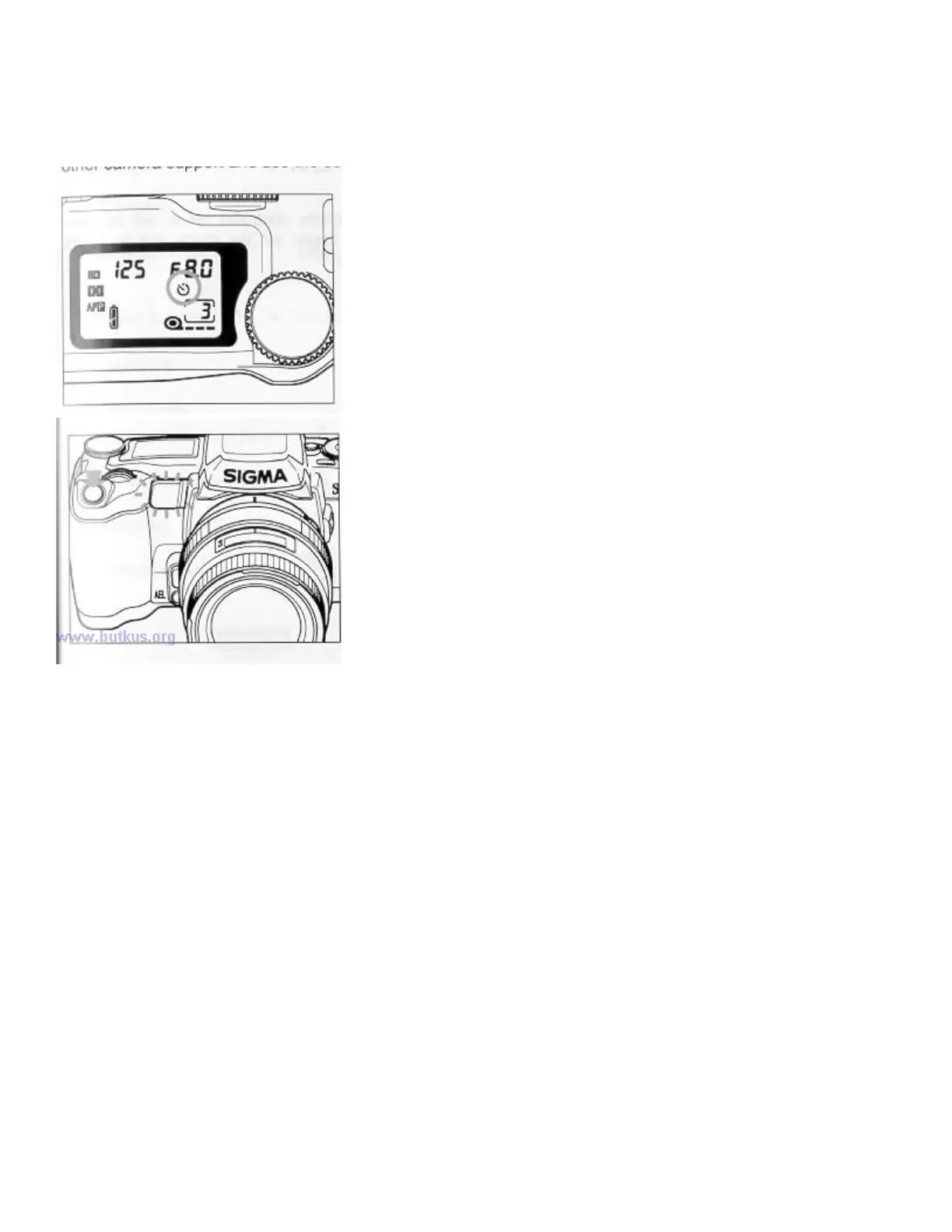
2. SELF-TIMER (C2)
When you want to include yourself in the picture, put the camera on the tripod or other camera support and sue
the self timer.
When you press the shutter button, the self-
timer ready light will come
on, and you will have 10 seconds to get in front of the camera. The
LCD panel will also count down the remaining time. Three seconds
before the shutter is released, the light will start blinking so every one
can be ready for the picture to be taken.
The self-timer will not start if the focus indicator is blinking or the
built-in flash is charging.4www.butkus.org
If you wish to cancel the self-timer, press either one of the mode
buttons or turn the mode dial to another position.
The self-timer mode will be cancelled if you set the mode dial to the
"L" position.
The focus distance and exposure value is fixed when the self-timer starts. In case of subject movement or
brightness change during the count down of the self-timer, pictures may be out of focus or improperly exposed.
* When you start the self-timer and do not look through the viewfinder, please use the finder cap to prevent
light from entering the viewfinder and effecting the exposure system.



 To Next Page