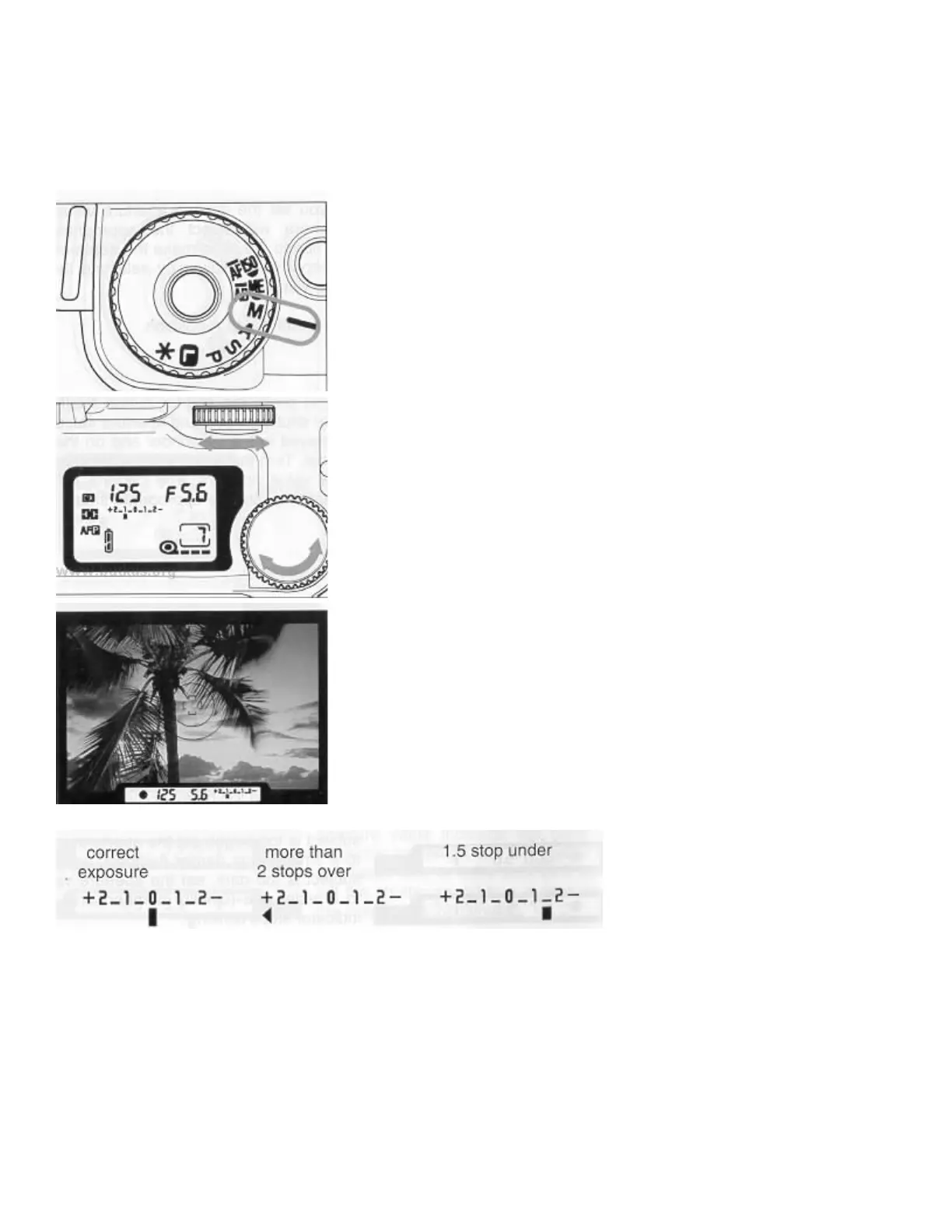
4. M - MANUAL OPERATION
Set both the shutter speed and aperture value according to the indication
of the exposure meter. You can change the exposure as you intend.
Set the mode dial to M position.
When you press the shutter button "Halfway", the shutter speed and
aperture value are displayed in the viewfinder and on the LCD p
the S-dial and A-dial until the exposure meter indicates 0 (zero) which
provides a correct exposure. You can read out the exposure error + or - 2
stops from the correct exposure. If the exposure error is more than 2 stops,
the exposure meter will indicate < or >



 To Next Page