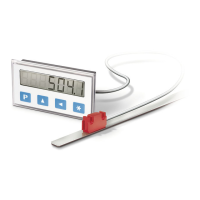
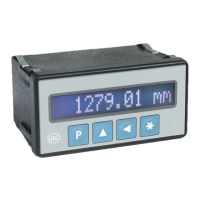
MA503 Datum 08.01.2001 Art.Nr. 79539 Z.Nr. 8664078 Änd.Stand 2/01 1 7
Steps
• If there is a cover strip, this is to be removed
first.
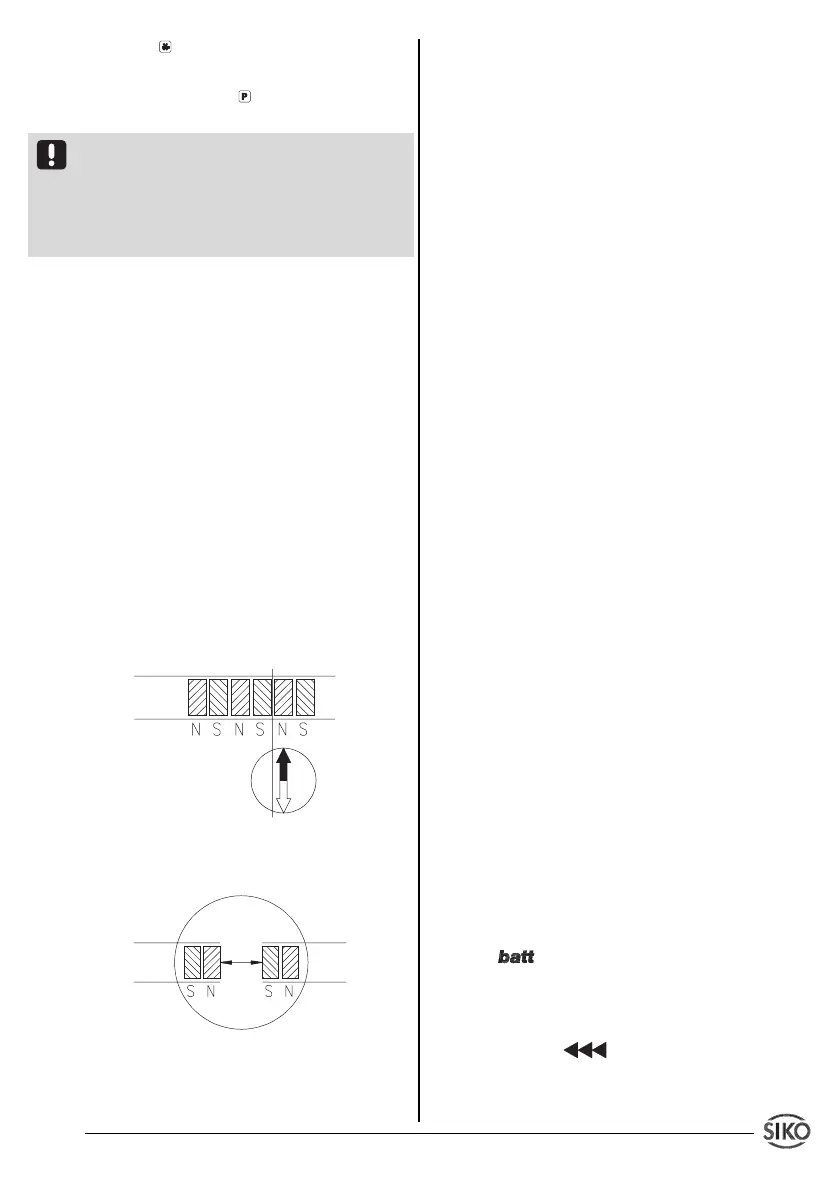
• To determine the pole division either use
metal dust, a magnet magnifier or magnetic foil.
• If necessary, use a compass needle to deter-
mine the location of the poles on the magnetic
strip (fig. 18).
• Use a rule and a sharp knife to cut the
magnetic strip at a right angle. Then also cut the
carrier strip accordingly.
• Previous steps are to be repeated with the
other part of strip.
• Check polarity before joining the two parts.
Both ends must attract each other (if necessary,
use compass needle). In case both ends have
the same polarity, shorten one end by a half pole
division (fig. 19).
• Join the two ends closely together and add the
cover strip.
11. Maintenance of the magnetic
strip
We recommend cleaning the magnetic strip’s
surface from time to time with a soft rag. This
avoids dirt (dust, chips, humidity ...) sticking to
the strip.
12. Trouble shooting
Error states are recognized and shown in the
display:
Message: full
Description: display overrun
Action: check parameters and adjust them if
necessary; set display to reference value
Message: display blinking
Description: faulty / no sensor signal
Action: check gap between sensor and magne-
tic strip
Message: display blinking.
Description: missing referencing.
Action: set display to reference value
Symbol: blinking
Description: battery voltage below the admis-
sable values.
Action: Change the batterie.
Message / Effect: blinking / MA503
cannot be referenced
Description: Display is still in incremental
measurement function
Press key to store the new value.
If no key has been pressed for approx. 30 s or if
you press again key , MA503 will return to
display mode.
Precondition: In programming mode menu points
'Reference value input enable' (_F_rEF) 'Offset
input enable' (_F_oFF) respectively must be
programmed to "on", but unit must not be left in
programming mode (see chapter 6 ‚'To leave
programming mode').
9. Last value memory
Precondition: '_rSto_' = "on"
When switched off the last measured value is
stored in a non-volatile memory.
10. Joining magnetic strips together
For some applications it may be necessary to
extend the magnetic strip. The magnetic strip
can be cut and rejoined using standard tools.
But however carefully this is done the accuracy
of the strip at the join will be impaired (error of at
least 0,1 ... 0,2 mm).
The following tools / accessories are requi-
red:
• magnet magnifier, magnetic foil or metal dust
• rule or suitable tool
• compass needle
Fig. 18: Determination of the pole position.
Cutting the magnetic strip
Fig. 19: Determination of the pole position.
Joining the magnetic strip


 To Next Page