MA503 Datum 08.01.2001 Art.Nr. 79539 Z.Nr. 8664078 Änd.Stand 2/01 1 5
To enter
into programming mode:
Press key for at least 5 s
To leave
programming mode:
Automatically, if no key has been pressed du-
ring approx. 30 s, or press key until the end
of the parameter list is reached.
To scroll
parameter information:
Use key
To change
parameters:
Use keys and
To store
modified parameters:
Press key , then message “-SA-“ will be
briefly displayed.
7. Parameter description
At the end of this user information brochure you
will find a detailed parameter list showing all
programmable parameters and offering space
for customer-specific programming values .
(in English, parameter _LAn_ = "E")
Display Designation / description
"choice"
_rES_ Resolution: Determines the
resolution of the display. Parame-
ter "FrEE" allows the programming
of a calculating factor.
_FAC_ Calculation factor (only available, if
'Resolution' has been programmed
to "FrEE" before): Used to obtain
for example an angle display.
Basis is the maximal possible
resolution of 1/100 mm. The
calculation factor "FAC" which has
to be programmed results from:
FAC = meas. range / total travel
distance [1/100 mm]
Example:
Angle measurement on
a circular disk with a display range
of 0 ... 180°; display in 1/10°;
circumference of the circular disk
942,48 mm; hence total travel
distance 471,24 mm; FAC = 1800
/ 47124 = 0,38200
_rEF_ Reference value: Absolute refe-
rence point of the measuring
system. This value is set by
referencing the system according
to chapter 8.
_oFF_ Offset: Can be any value; used to
1. Programming
2. Select 'value'
3. Select 'digit'
4. Store value
5. ON / OFF
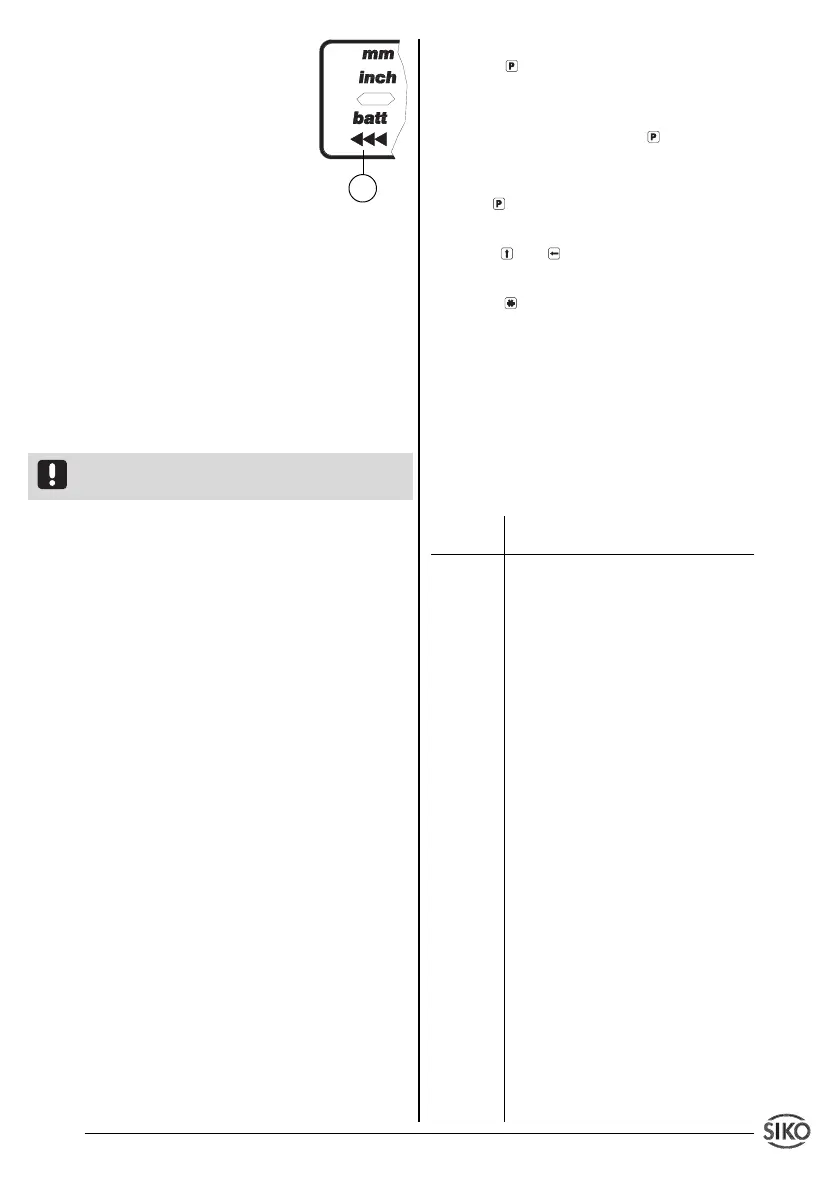
6. Display: battery change /
incremental measurement
function / sign
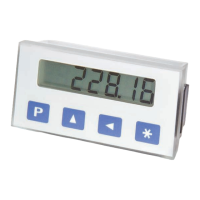
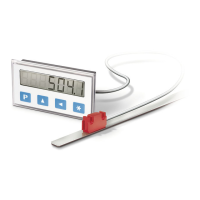
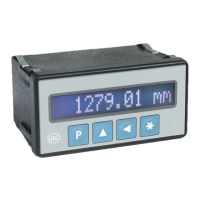
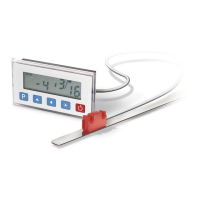
Fig. 17: Display and membrane keypad
Switch on
Use key ON/OFF to switch on the display.
MA503 runs an auto test sequence and shows
the following values:
• all LED segments (for approx. 1 s)
• the software version (eg. 1_03)
• value 0 – now the display is ready for use!
( The last measured value is displayed if the
parameter 'Last value memory' is programmed
to 'on'. )
Attention ! MA503 does not automatically switch
on when the operating voltage is applied.
Switch off
• Press ON/OFF key to switch off the unit
(switch-off delayed, if parameter "_4_oFF" has
been programmed to "on" before).
• After the last measurement the display swit-
ches off automatically (see chapter 8 Parameter
'_AUto_ and 'PErIod').
Operating modes
There are two operating modes accessible via
the keyboard:
1. Programming mode: to program the display
at initial installation.
2. Input mode: to enter parameters/select
functions used during standard operation.
6. Programming mode
The display is either pre-programmed to stan-
dard values at our works or, if the order defines
customer-specific parameters, these will be pre-
programmed at SIKO. Enter programming mode
for parameter modification / programming. Nor-
mally programming is only necessary at initial
installation. Parameters can be modified and
checked at any time. They are stored in a non-
volatile memory. Each parameter’s designation,
function and value range is shown in tables on
the following pages.
6


 To Next Page