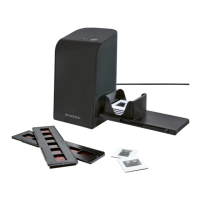
SND 3600 D3
■ 14
│
GB
│
IE
│
NI
Colour and brightness settings
♦ Adjust the colours and brightness as required by clicking on the
“Color/Brightness adjustment” button (K). A settings window
appears.
♦ Move the “Brightness” slider to set the brightness between
−64 and 64.
♦ Move the three “Color Balance” sliders to set the RGB values
between −6 and 6.
♦ To reset to the default values, click on the “Default” button.
♦ To accept the new values and close the settings window, click on
the “Exit” button.


 To Next Page