13 HOW TO USE THE PRODUCT
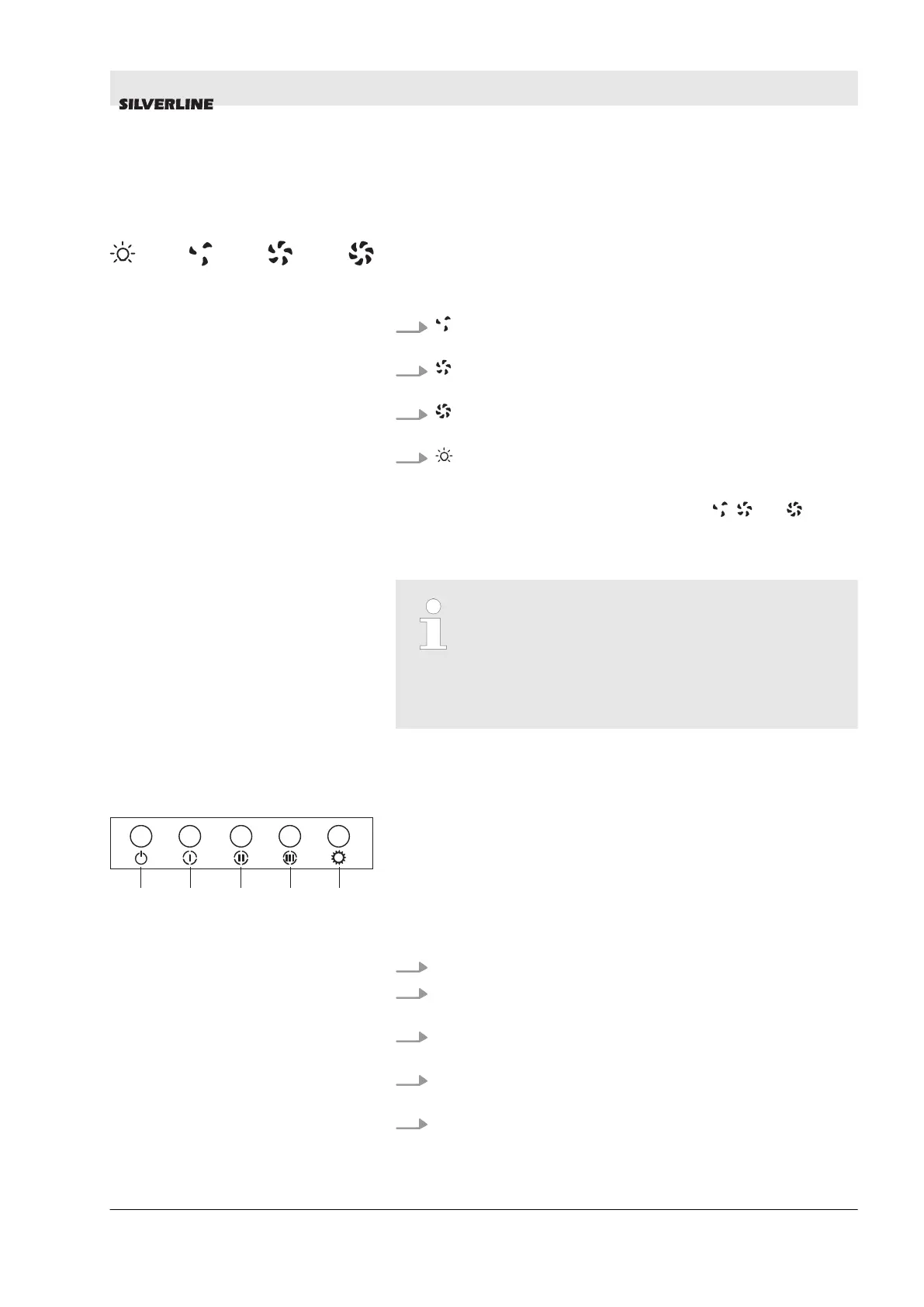
13.1 3 Spd Touch Product Usage
1.
The product will run on the 1st speed level when this
button is pressed.
2.
The product will run on the 2nd speed level when this
button is pressed.
3.
The product will run on the 3rd speed level when this
button is pressed.
4.
Press this button to turn the lamp on and off.
To activate the timer function press any of the , and buttons
and hold for 3 seconds. Then the 15 minute timer function will be
enabled and the product will turn off automatically at the end of a
15 minute period.
All functions that are active before enabling the
timer function will turn off at the end of the 15
minute period.
All functions that are activated after enabling the
timer function will continue to work at the end of
the 15 minute period.
13.2 Using Push Button Product
1. Press this button to reset your product.
2. Product will run on 1st speed level when this button is
pressed.
3. Product will run on 2nd speed level when this button is
pressed.
4. Product will run on 3rd speed level when this button is
pressed.
5. Press this button to turn on and off the lamp.
Fig. 14: Touchbutton
Fig. 15: push button
HOW TO USE THE PRODUCT
Using Push Button Product
28.12.2017 HOOD USER GUIDE ENGLISH 23


 To Next Page