Installation Guide
1
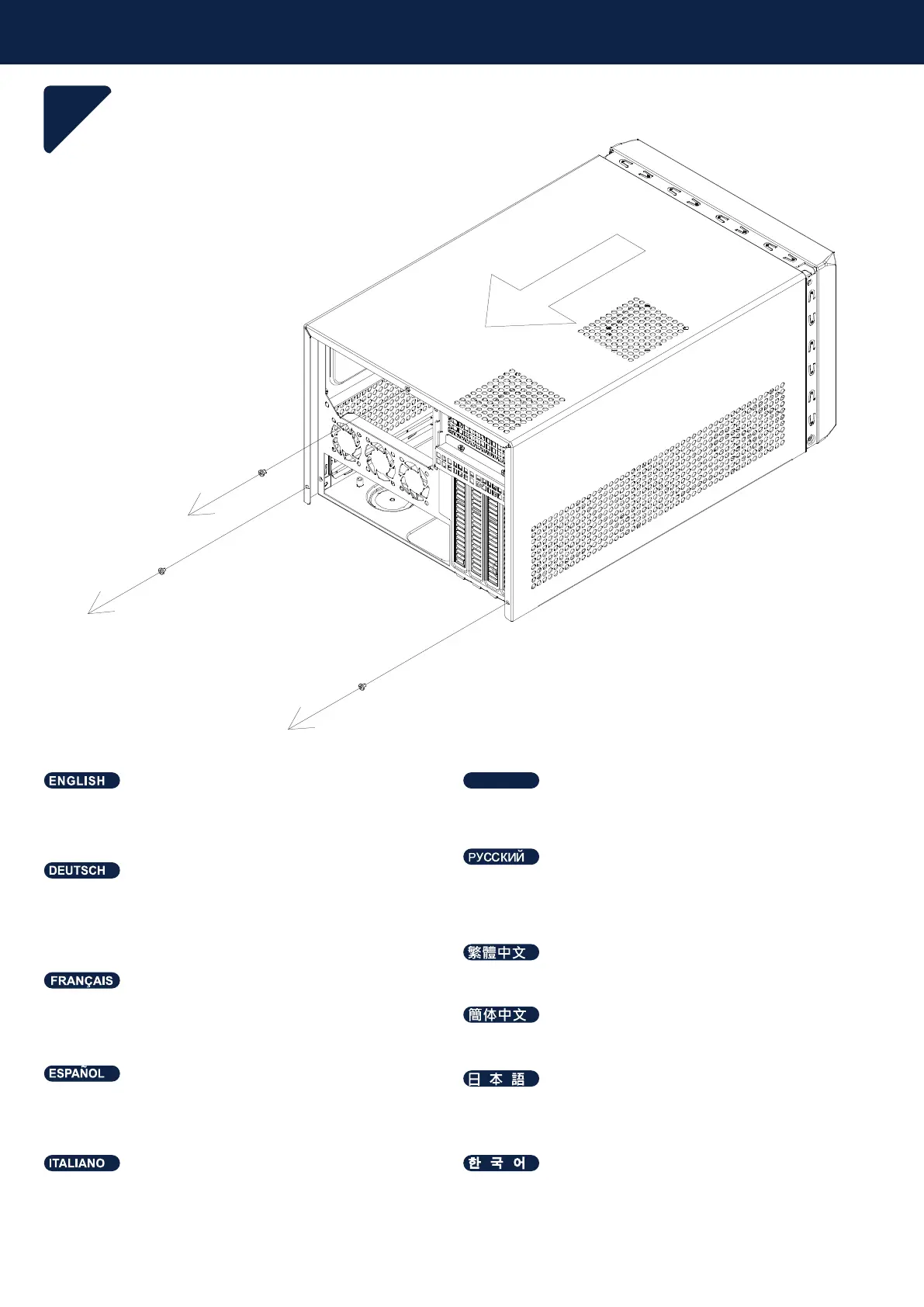
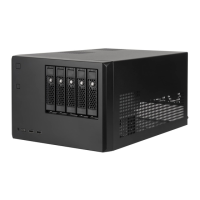
Entfernen Sie die Schrauben, die die obere Abdeckung
halten, mit einem Schraubendreher; ziehen Sie die
Abdeckung dann nach hinten und nehmen Sie sie nach
außen vom Gehäuse ab.
Veuillez retirer les vis qui retiennent le couvercle supérieur
avec un tournevis, puis tirez-le vers l'arrière et soulevez-le
à l'extérieur du châssis.
Por favor, retire los tornillos que sujetan la cubierta superior
con un destornillador, luego tire hacia atrás y levántela fuera
del chasis.
Utilizzando un cacciavite, rimuovere le viti che fissano il
coperchio superiore, quindi tirarlo indietro e sollevarlo
allontanandolo dal telaio.
Please remove the screws holding the top cover with a
screw driver, and then pull it toward back and lift it outward
away from chassis.
Открутите винты, удерживающие верхнюю крышку, с
помощью отвёртки, затем потяните её назад и поднимите
наружу от корпуса.
스크류 드라이버를 이용해 상단 커버의 스크류를 풀고, 뒤쪽으로
잡아당긴 후 섀시 바깥으로 들어 올립니다.
請以螺絲起子卸下鎖固上蓋的螺絲, 向後拉並提起自機箱中取出。
请以螺丝起子卸下锁固上盖的螺丝, 向后拉并提起自机箱中取出。
上部カバーを固定しているネジをドライバーで外し、後方に引
いてケースから取り外します。
โปรดขันสกรูที่ยึดฝาครอบด้านบนออกด้วยตัวขันสกรู จากนั้นดึงไปทางด้
านหลัง แล้วยกออกจากเคส
ไทย



 To Next Page