WWW.SILVERSTONETEK.COM
2.5” DRIVE CAGE
6
2.5”/3.5” HDD TRAY
7
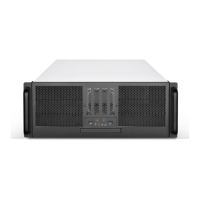
FRONT PANEL IO AND INDICATORS
8
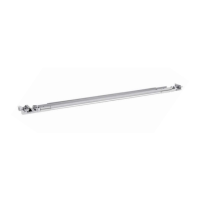
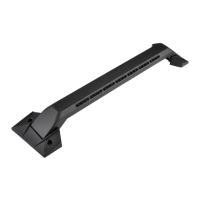
RACK HANDLES
9
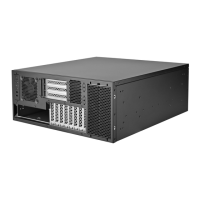
TOP COVER
1
BOTTOM CHASSIS
2
OPTIONAL POWER SUPPLY
3
Hot-swap 80x38CM FANS
4
ODD DRIVE CAGE
5
USB 2.0 x1
1
USB 3.1 x1
2
Power button
3
System reset button
4
Power LED
5
HDD LED
6
LAN LED 1
7
LAN LED 2
8
Front panel I/O and indicators
Please install rackmount ears as the last step right before integrating the
chassis into the rackmount. If you plan on shipping the chassis, please remove
rackmount ears.
1. Install rackmount ears
RM22-308
Press and hold the top cover’s two buttons while pushing the cover
towards the rear of the chassis to remove it.
2. Removing the top cover
4-1 If installing 2U redundant power supply, place it into the chassis
and secure with screws
4. Install power supply3. Install motherboard

 Need help?
 General


 To Next Page