www.silverstonetek.com
User manual
Remove both expansion card holder and the riser
cable holder
Unfasten and remove the 4 screws securing the
horizontal expansion card module
First, place the graphics card into the expansion card
holder, then install the graphics card, expansion card
module and expansion card holder into the chassis
Install the graphics card onto the horizontal
expansion card module
Adjusting the expansion card holderSecure the expansion card module with screws at the
front chassis, and secure the expansion card holder
with screws on both sides of the chassis
Place the rubber dampening padding under the
graphics card and double check the padding does
not interfere with the graphics card cooling fans
Remove the riser cable holder first before installing
the riser cable
Remove the horizontal expansion card module
Remove the PCI slots
Full-height expansion card installation Full-height graphics card in
horizontal orientation installation
Different adjustment positions
for the expansions card holder
Secure the graphics card, expansion card module,
and expansion card holder back into the chassis
Motherboard
standoff
Accessories Content
Motherboard
screws
2.5” SSD Screws
(M3-4)
PSU mounting
bracket
2.5” SSD Screws
(M3-5)
3.5” HDD Screws
(#6-32)
PSU mounting
screws
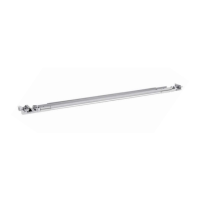
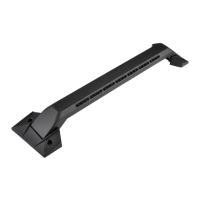
Handlebars
Conductive foam
Handlebar bracket
Handlebar screws
Cable ties
Velcro straps User manual
RM47-502I
1
Attach the riser cable to the riser cable bracket and
secure with screws (Optional SST-RC05 PCIe Gen 5
riser cable can be purchased)
Fixating the riser card holder
2
1
Front and back adjustment
Position 1
Position 2
Position 3
Position 4
Position 5
Position 6
The adjustable positions are as follows
Left and right adjustment

 Need help?
 General


 To Next Page