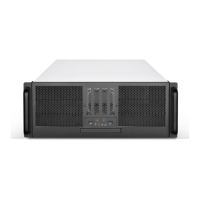
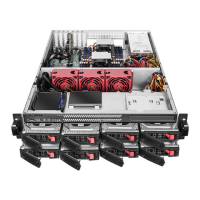
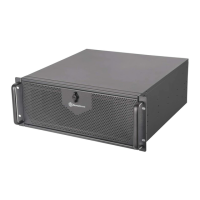
4U rackmount server chassis with unparalleled
compactness, space utilization, and hardware
compatibility.
RM42-502
Storage device installation
Installation steps for horizontal to vertical position
Parts package component list
Expansion card retainer removal
2-1-11 3 4
5 62-22-1-2
32-3
21
21
43
1
2
1
2
1
2
3
1
2
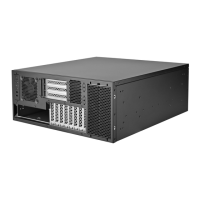
Supports up to SSI-EEB motherboards
Front panel features anti-theft lock design providing additional security.
Supports 240mm liquid cooling radiators
Two 5.25" drive bays directly compatible with 3.5" or 2.5" drives.
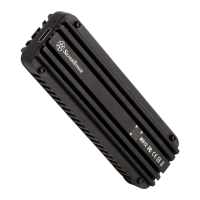
Includes one USB Type-C interface
Includes sliding rail mounting holes for quick rail installation
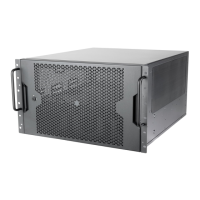
Can be placed upright or horizontal
(A) Case feet
(B) Case feet screws
(C) Case feet washers
(D) Side-BKT
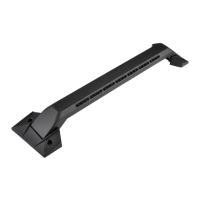
(E) Handle-BKT
Instruction manual
Manual
Horizontal to vertical
position
Install PSU & MotherboardInstall 2.5" HDD/SSD Motherboard standoff
Install 5.25" ODD Install 3.5" HDD
Key
(A) Cable tie
SCREW-A (#6-32)SCREW-B (M3) STANDOFF #6-32*11.5
SCREW-C (#6-32)SCREW-D (M3) Key
(B) Cable clip
Cable management

 Need help?
 General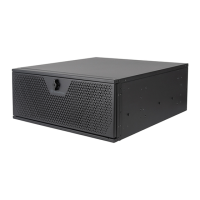


 To Next Page