WWW.SILVERSTONETEK.COM
POWER ON SWITCH
1
SYSTEM RESET SWITCH
2
USB 3.1 Gen1 x 2 ports
3
POWER ON LED (BLUE)
4
HDD ACTIVITY (GREEN)
5
LAN1 LED (GREEN)
6
LAN2 LED (GREEN)
7
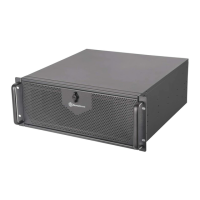
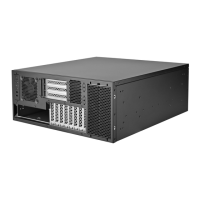
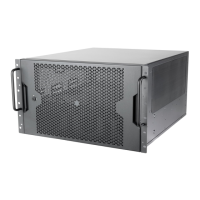
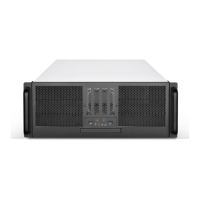
4U 6-bay 5.25” rackmount server chassis
Front panel IO and indicators
1. Release 2-screws of the top cover on each side
2. Push the top cover backward about 1” and lift it off the chassis
Removing the top cover
RM41-506
Cooling fan
Optional 8cm fans
Place the 80 x 25mm fan to the rear
plate of chassis
4bays-3.5” HDD cage and
cooling fan assembly
How to remove the drive cage
1. Loose 2 screw and lift off the drive cage
2. Once hard drive assembled, secure the drive
cage back with the same 2-screws
Optional cooling fan assembly
Fix 80 x 25mm fan with 4-screws
3.5” HDD assembly
1. Place the HDD in the drive bay
2. Secure HDD with screws (4 pcs - 6#32 x 6mm)
Slim ODD cage assembly
Slim ODD assembly
1. Fix the slim ODD bracket with slim ODD with 2 pcs
screws
2. Insert and secure the slim ODD assembly into the
drive bay with 1-screw
Remove the slim ODD
blank cover
Loose 2-screws and remove the blank cover
1
1
5
6
6
7
8
9
8
9
7
5
4
4
2
2
3
3

 Need help?
 General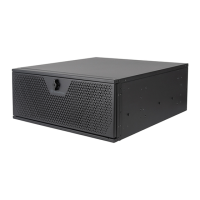


 To Next Page