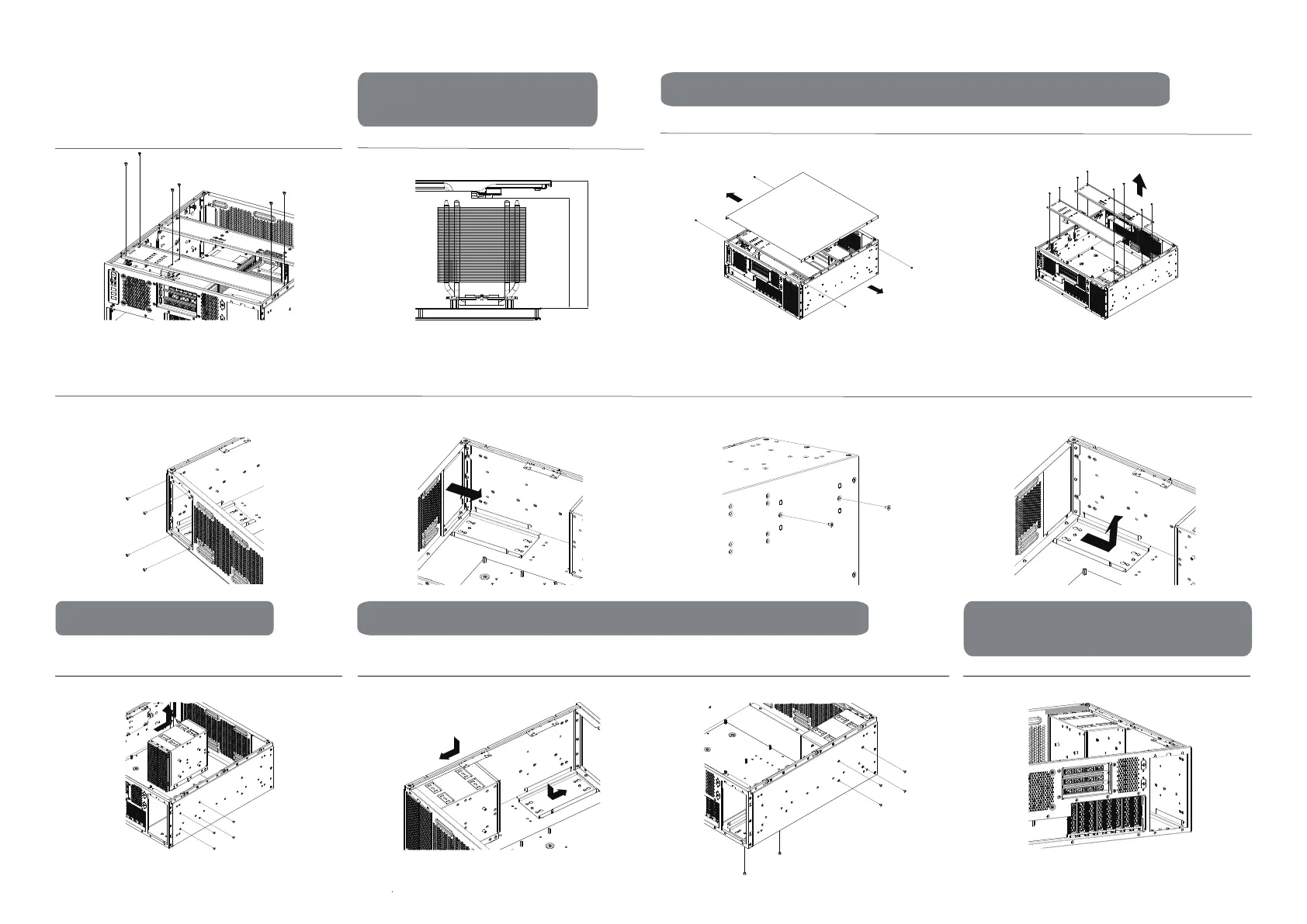
Preparation
Remove the top panel
Remove the bottom PSU mounting bracket screws located at
outer side of the bottom chassis
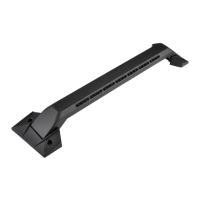
Remove both expansion card holder and the riser cable holder
Remove the bottom PSU mounting bracket located at the
bottom of the chassis
CPU Cooler
Maximum height with riser cable holder: 114mm
Maximum height without riser cable holder: 148mm
Riser cable holder and CPU
cooler compatibility
PSU mount and 5.25” drive cage interchangeability instructions
2
Unfasten and remove the 4 screws on the side securing the
drive cage
Adjust the 5.25” drive cage position to the rear, and the PSU
mounting bracket to the front
Secure the corresponding screws
5.25” drive cage removal PSU mount and 5.25” drive cage interchangeability instructions
Installing conductive foam to fill the gaps on the drive cage
Installation of components in the
5.25” drive cage
Connect the riser cable to the motherboard and graphics card
then secure the whole module with screws
Removal of PSU mounting bracket
Unfasten and remove the PSU mounting bracket screws Remove the PSU mounting bracket from the rear chassis panel
114mm
Maximum: 148mm



 To Next Page