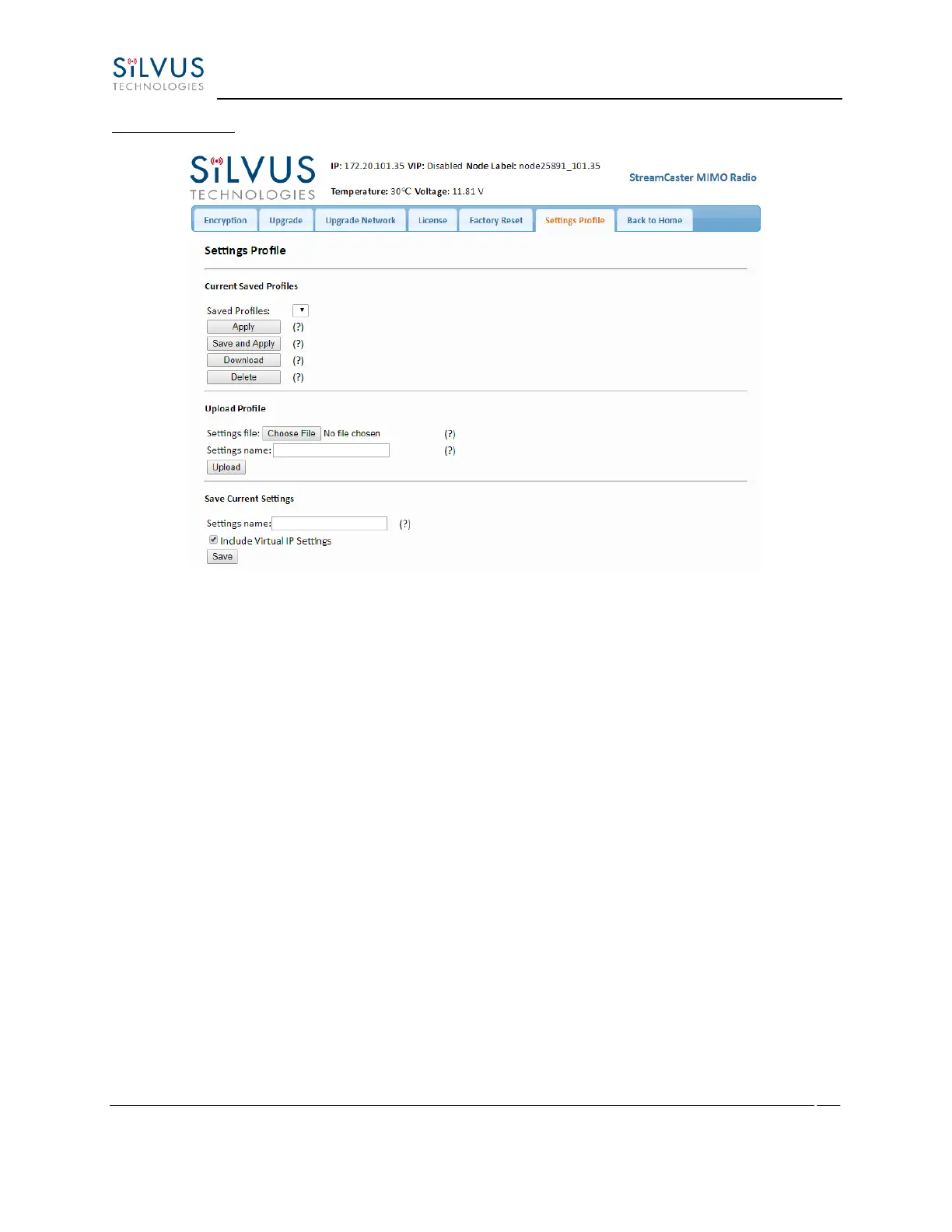
Settings profile:
Figure 42 Security (Setting Profile)
• Current Saved Profiles: Select a saved profile and apply the settings to use the selected
profile. The profile stored can be downloaded or deleted.
• Upload Profile: Select a downloaded profile from the computer and upload to the radio
as a saved profile.
• Save Current Settings: Store the current settings on to the radio for future access. Note
that the FIPS mode setting is not saved in the profile. You must manually enable/disable
it after applying the profile.



 To Next Page