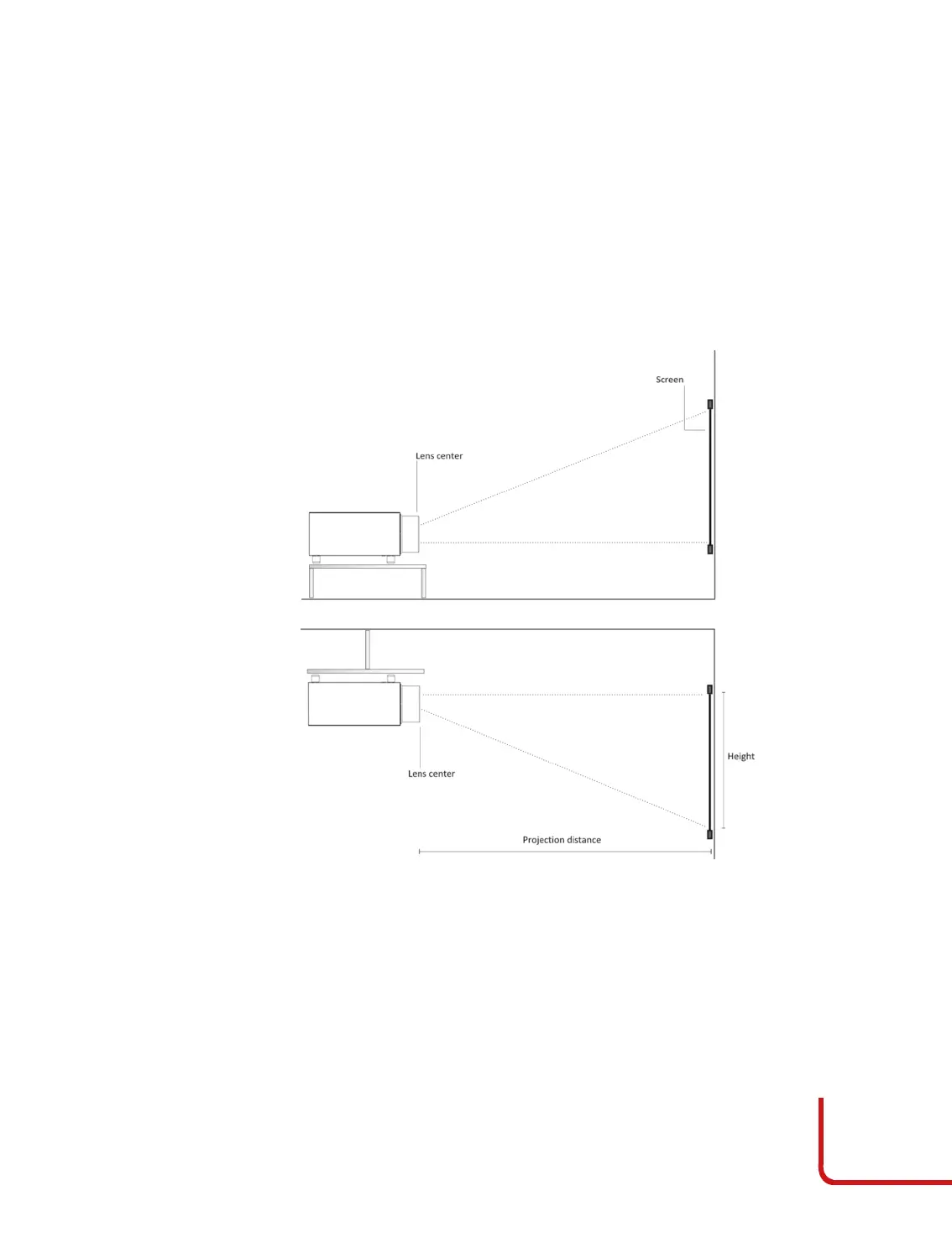
Ceiling Mounting
Invert the projector and hanged up it from the ceiling using a dedicated bracket.
Orientation
By default, the DOMINO4-H 25-28 is configured for a Front installation (projector
installed upright and in front of the screen). If the projector is installed behind the
screen or inverted, you can use the image orientation function of the projector.
Vertical Lens Shift
Ideally, the projector should be positioned at a right angle to the screen and in such a
way that:
•
the lens centre and bottom of the screen are aligned with each other
•
the projected image fills the screen perfectly
More details in chapter #6 (page 52): Image size and projection distance.
Keystone
If the projector is ceiling-mounted and the screen is lower than the projector, you
may need to tilt the projector by adjusting the ceiling mount.



 To Next Page