Telnet
Use standard telnet TCP/IP protocol, port 23. It is possible to communicate with the
projector using all the commands available in the RS232 protocol. The packets must
be sent in hexadecimal mode, without spacing, adding at its the end the hexadecimal
code of Carriage Return character: 0x0D.
Ex: Select the input source HDMI1
The RS232 command is: BE EF 02 06 00 D5 E5 4C 01 00 00 00 00
The relative telnet command is: BE EF 02 06 00 D5 E5 4C 01 00 00 00 00 0D
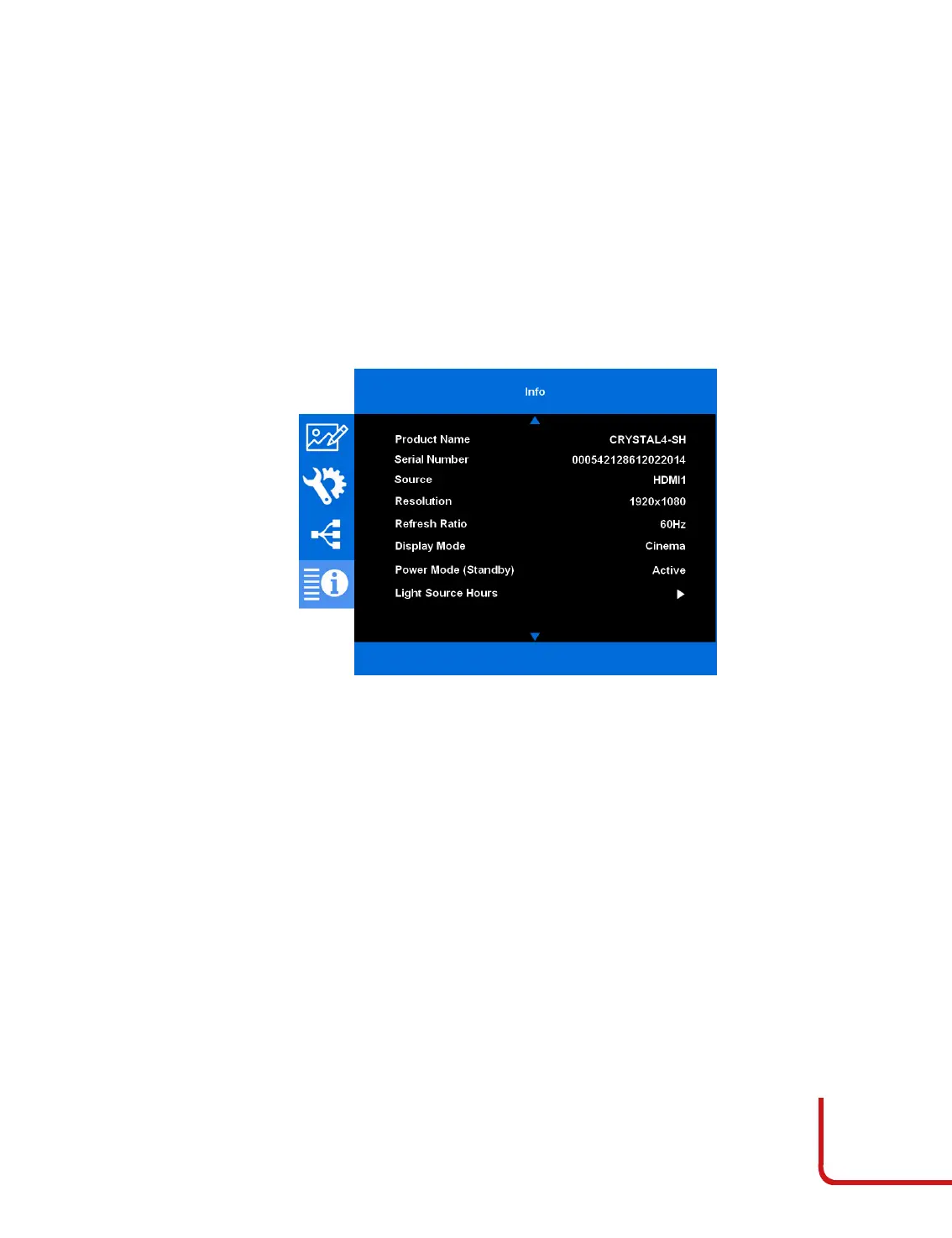
Info
This menu section provides access to many projector information. It collect the main
information from the other menu (Display, Setup and Network) and firmware
versions.
View the projector information as listed below:
Product Name
Serial Number
Source
Resolution
Refresh Rate
Display Mode
Power Mode (Standby)
Light Source Hours
Network Status
IP Address
Brightness Mode
FW versions



 To Next Page