7. Electronic Perfect Fit
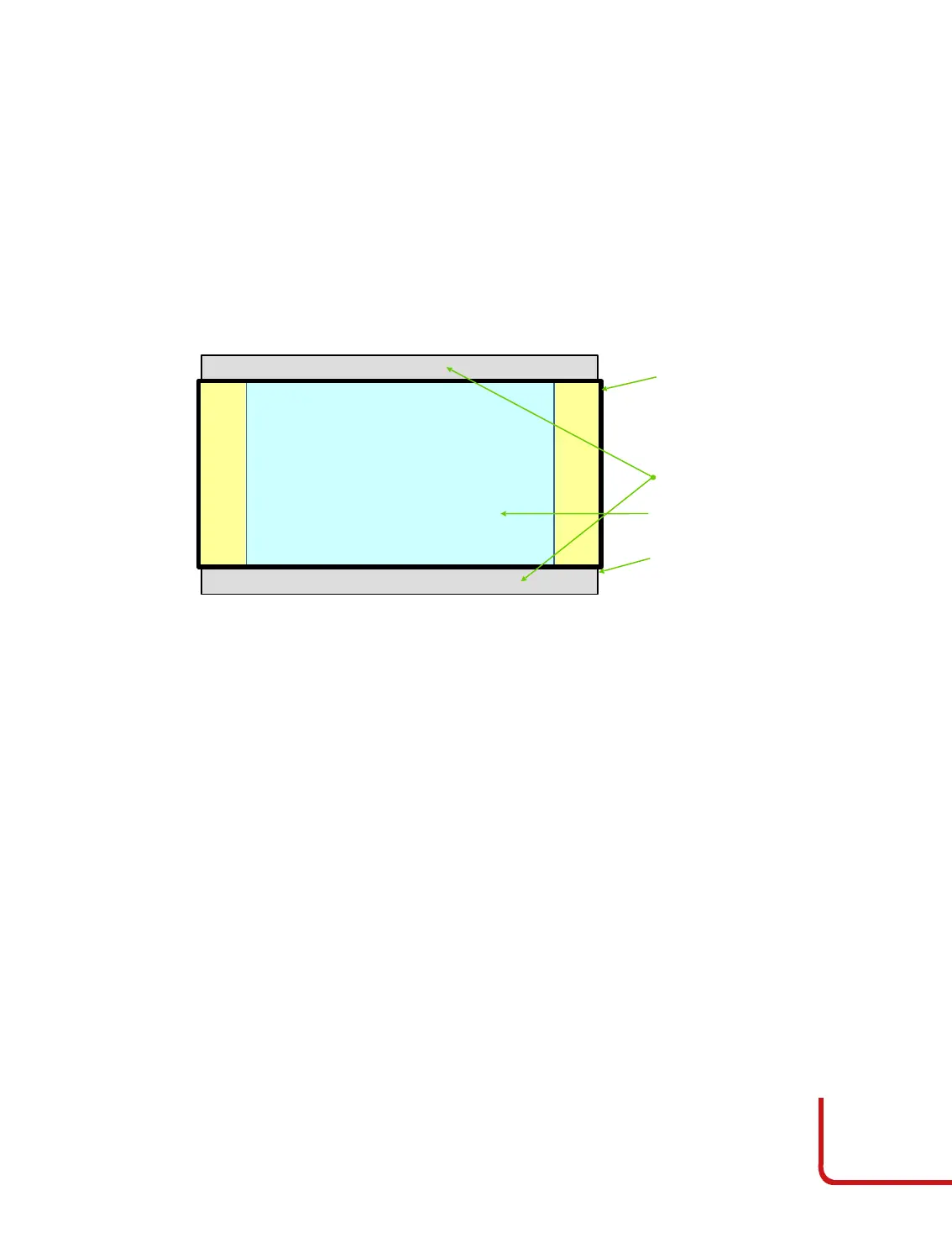
The Electronic Perfect Fit is a feature to accommodate both anamorphic and 16:7
images on the screen.
The DOMINO4-H 25-28 can project images with screen formats either anamorphic
and 16:9, both matching an anamorphic screen. Below are the instructions for setting
up the projector to display both screen formats to an anamorphic screen (2,35:1 or
similar). This with a fixed anamorphic screen or a motorized horizontal masking
screen.
Below the typical setup when there is a screen format of 2,35:1 or similar.
The projector needs to be positioned in the room to accommodate the 2:35 screen.
The 16/9 being smaller will be fine.
To customize the 16:9 image size (to match some special screens), follow the
procedure below:
1. Install the projector in your room to accommodate the anamorphic screen
(see the User Manual installation chapter).
2. Display an anamorphic image or test pattern.
3. Adjust the Zoom, Focus and Optical Vertical shift to match your screen with
the anamorphic format.
4. Display a source with image format at 16:9.
5. In “Display” menu, enter in “Digital Zoom” submenu. Set the digital zoom at
the negative value (–xx), by using arrow keys, until the image matches your
screen (-27 is the standard number that fits the 16/9 picture on anamorphic
screen).



 To Next Page