113
ENG
5.11 Configuring Sensors
We need to have previously registered a digital type channel (see page 96) and created a sensor with this digital
channel input (see page 108).
We need to differentiate between two different types of sensor, push button type or detector type.
To access the menu to configure the sensor, long press on its icon.
5.11.1 Push button sensor
If we have created an NA or NC push button type sensor.
If we access the sensor’s general menu.
In the “General” screen we can see the sensor’s status, i.e.
the signal received from the sensor and whether it is enabled
in the console.
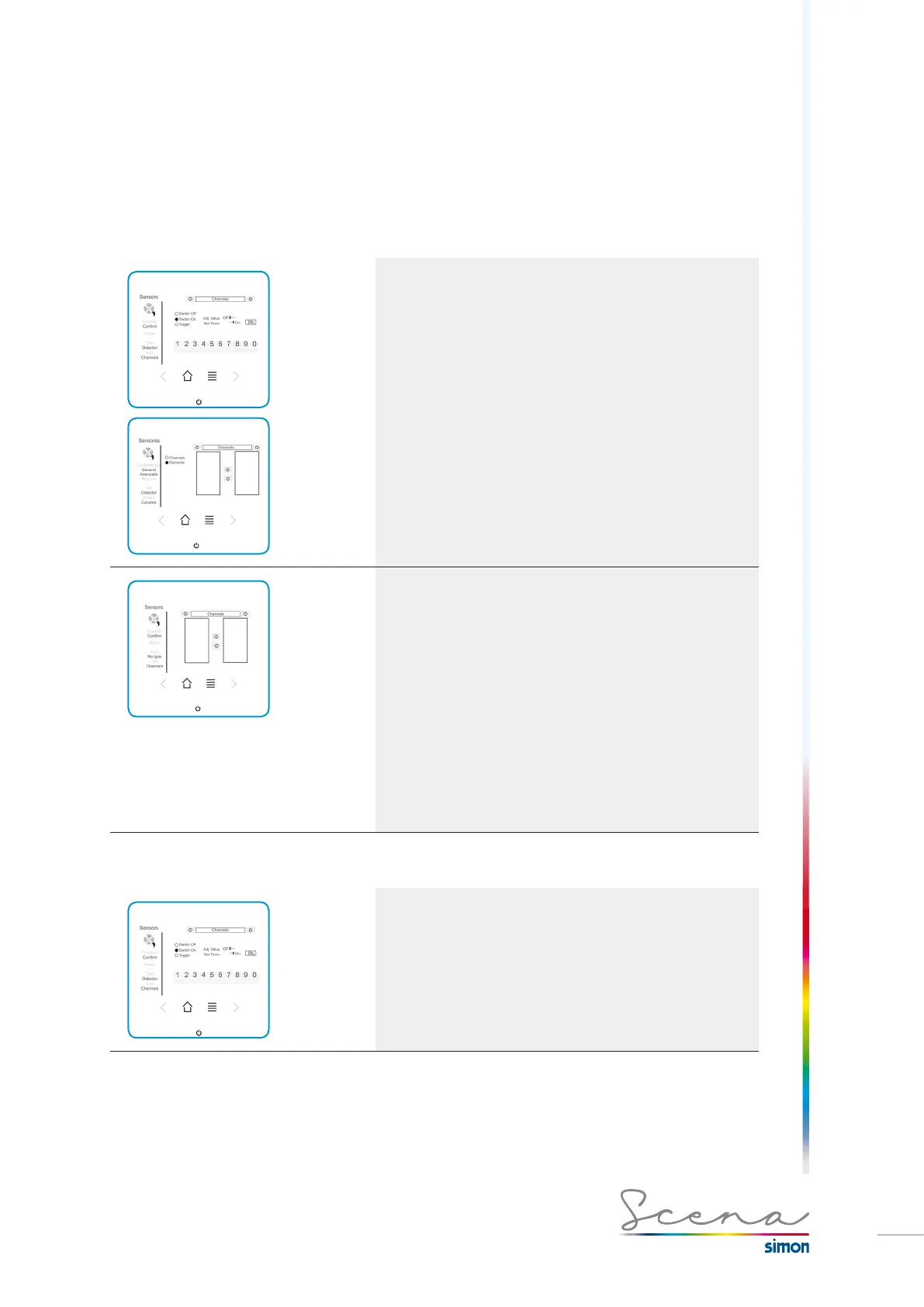
In the “Advanced” screed we can select this sensor’s function.
· Turn on: On detecting it turns on the channel in question.
· Turn off: On detecting it turns off the channel in question.
· Toggle: On detecting it changes the channel’s status
· E.Aux: Enables us with a long press to change the setting
value.
Depending on the function we want to incorporate, different
tabs open for its configuration. As in the above screen, if we
select Turn on, we can activate it at a setting value (Set Val)
or make this turn on time delayed (Time delay). Both options
cannot be selected simultaneously.
If we access channels in the sensor screen, we can modify
these two parameters.
· Channels: Modify this sensor’s control channel. (We need
to have registered a channel as digital type, see page 29).
· Elements: We can add or modify the elements on which
the sensor will act, i.e. channels, groups, scenarios, sequen-
ces and presence.
5.11.2 Detector sensor
If we have created an NA or NC detector type sensor.
If in the Sensors screen we long press on one of them, we
will access its configuration menu.
In the “General” screen we can see the sensor’s status, i.e.
the signal received from the sensor and if it is enabled in the
console.



 To Next Page