137
ENG
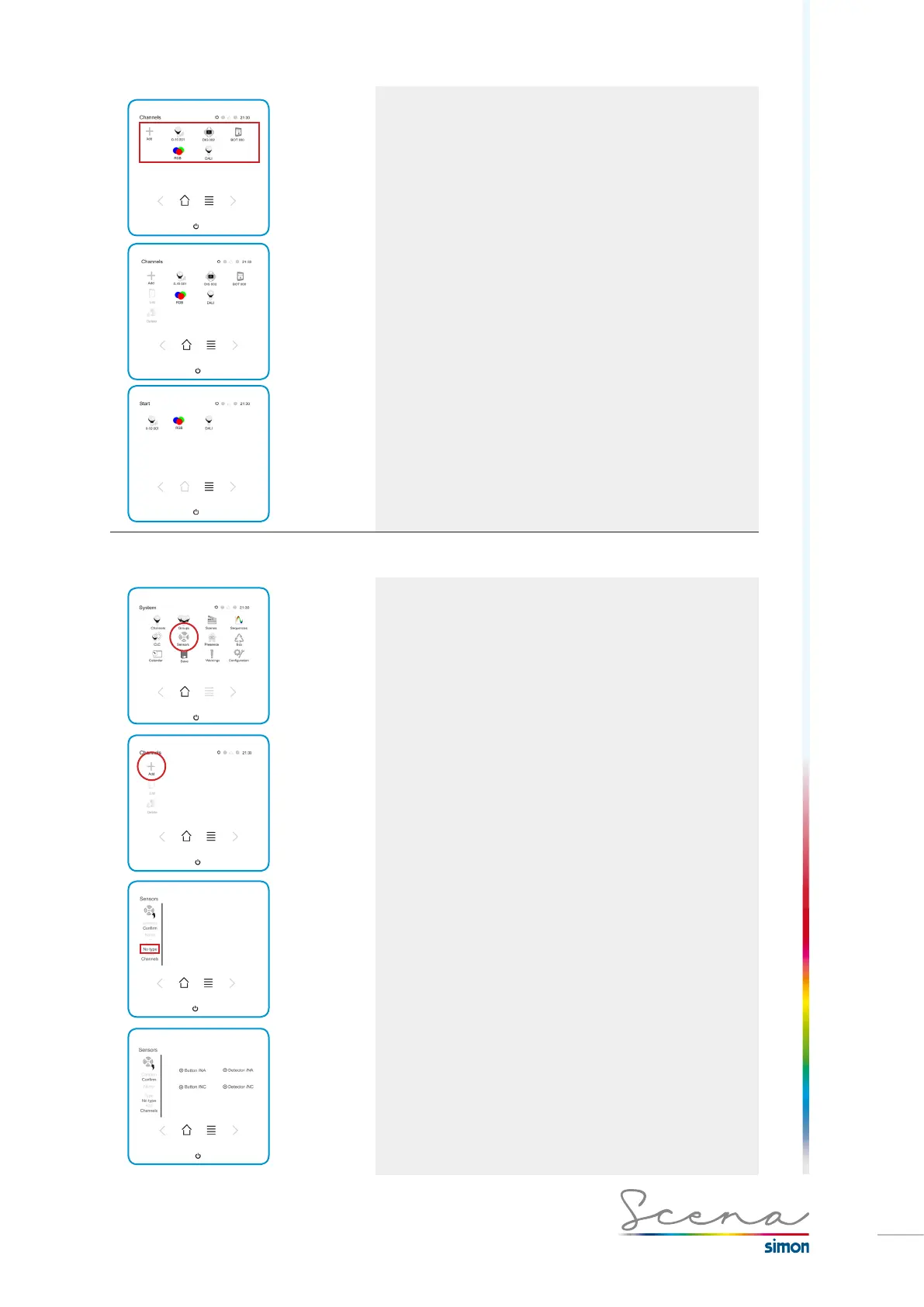
First press the channel, then press add.
As we can see in this example, the Start screen would be
configured as follows.
4.4 Configuring the bush button input
To relate the push button input with Scena we must follow
the steps below:
Add Sensor in the Sensors screen.



 To Next Page