134
ENG
DMX-PWM
converter
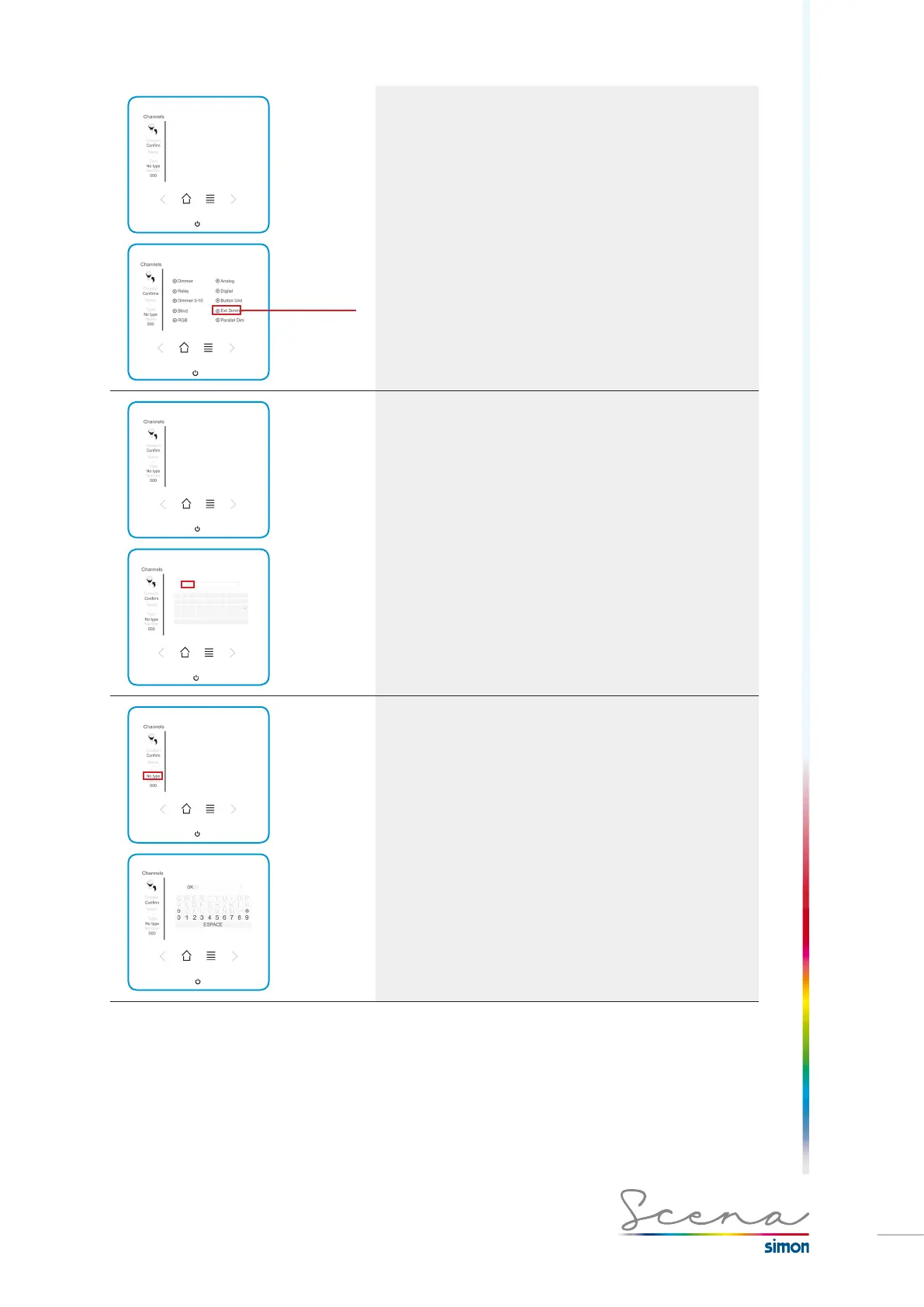
Type
To accept, we press the “Confirm” icon.
Name
Name it will be given, e.g. RGB.
To accept, we press the “OK” icon.
Number
· Select Number on the Channels screen
· Number to enter: 20
· Number entered in the switch: 21.
As explained in the manual, the console requires an address
different from the one physically assigned.
To accept, we press the “OK” icon.



 To Next Page