EasyManua.ls Logo

Simpson 460 4 Series - Section VII Servicing Instructions; Battery Installation

Simpson 460 4 Series
68 pages
Print Icon
To Next Page IconTo Next Page
To Previous Page IconTo Previous Page
Loading...
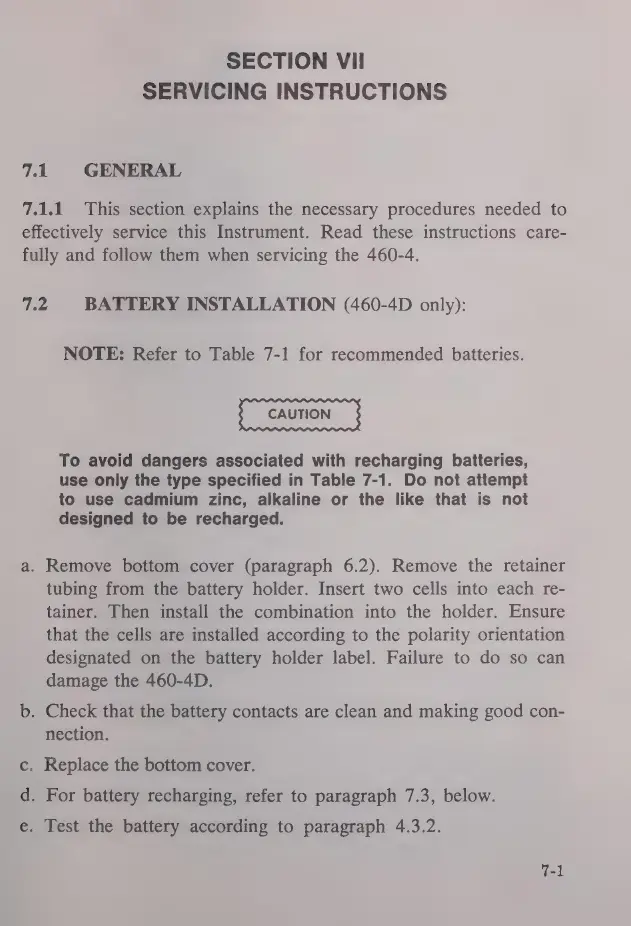
SECTION
VII
SERVICING
INSTRUCTIONS
7.1
GENERAL
7.1.1
This
section
explains
the
necessary
procedures
needed
to
effectively
service
this
Instrument.
Read
these
instructions
care-
fully
and
follow
them
when
servicing
the
460-4.
7.2
BATTERY
INSTALLATION
(460-4D
only):
NOTE:
Refer
to
Table
7-1
for
recommended
batteries.
CAUTION
To
avoid
dangers
associated
with
recharging
batteries,
use
only
the
type
specified
in
Table
7-1.
Do
not
attempt
to
use
cadmium
zinc,
alkaline
or
the
like
that
is
not
designed
to
be
recharged.
a.
Remove
bottom
cover
(paragraph
6.2).
Remove
the
retainer
tubing
from
the
battery
holder.
Insert
two
cells
into
each
re-
tainer.
Then
install
the
combination
into
the
holder.
Ensure
that
the
cells
are
installed
according
to
the
polarity
orientation
designated
on
the
battery
holder
label.
Failure
to
do
so
can
damage
the
460-4D.
b.
Check
that
the
battery
contacts
are
clean
and
making
good
con-
nection.
c.
Replace
the
bottom
cover.
d.
For
battery
recharging,
refer
to
paragraph
7.3,
below.
e.
Test
the
battery
according
to
paragraph
4.3.2.

Related product manuals