EasyManua.ls Logo

Simpson 460 4 Series - Troubleshooting Chart

Simpson 460 4 Series
68 pages
Print Icon
To Next Page IconTo Next Page
To Previous Page IconTo Previous Page
Loading...
7.5
7.5.1
Servicing
Instructions
TROUBLESHOOTING
If
the
Intsrument
does
not
yield
satisfactory
results,
follow
this
procedure,
before
attempting
maintenance
on
the
Instrument:
a.
b.
Review
and
comply
with
the
Preliminary
Notes
and
Checks,
listed
in
paragraph
4.3.
Check
that
all
switches
are
positioned
correctly
for
the
parame-
ter
and
range
of
value
being
measured
and
that
the
measure-
ment
situation
is
within
the
ratings
of
the
Instrument.
If
the
460-4D
has
been
operated
with
battery
power,
be
sure
that
the
cells
are
charged
and
properly
installed
(paragraph
6.3).
.
If
the
460-4A
has
been
operated
with
AC
power
ensure
that
the
power
source
is
within
the
Instrument
specifications,
and
free
from
excessive
fluctuations
and
transients.
Ensure
that
the
environment
in
which
the
Instrument
is
being
used
is
within
the
Instrument
specifications.
Inspect
the
device
being
measured
and
the
measurement
test
set-up
to
ensure
that
proper
shielding
and
grounding
techniques
have
been
used.
Also
consider
whether
the
Instrument
is
sig-
nificantly
affecting
the
circuit
being
measured.
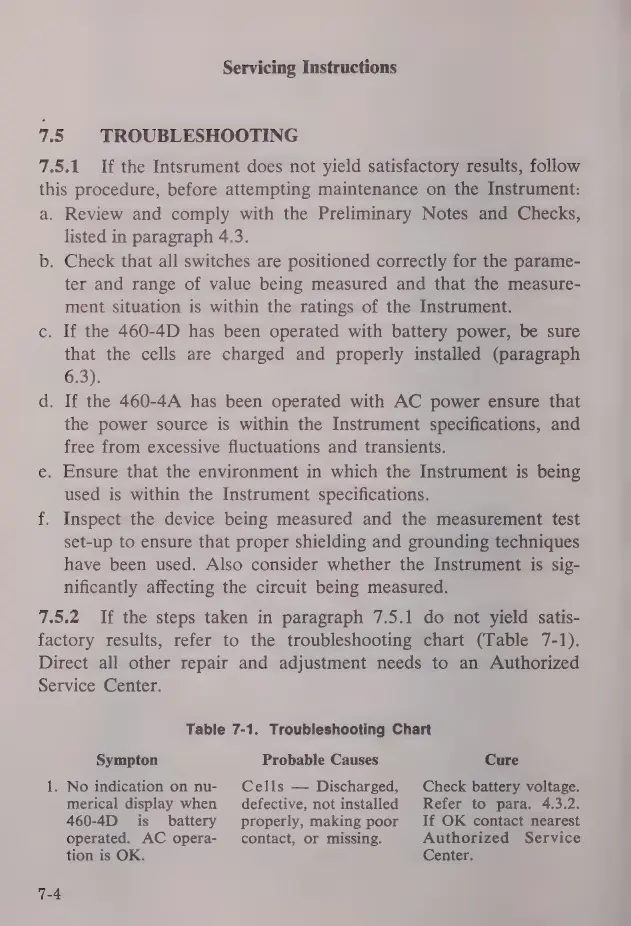
7.5.2
If
the
steps
taken
in
paragraph
7.5.1
do
not
yield
satis-
factory
results,
refer
to
the
troubleshooting
chart
(Table
7-1).
Direct
all
other
repair
and
adjustment
needs
to
an
Authorized
Service
Center.
ПА
Table
7-1.
Troubleshooting
Chart
Sympton
No
indication
on
nu-
merical
display
when
460-4D
is
battery
operated.
AC
opera-
tion
is
OK.
Probable
Causes
Cells
Discharged,
defective,
not
installed
properly,
making
poor
contact,
or
missing.
Cure
Check
battery
voltage.
Refer
to
para.
4.3.2.
If
OK
contact
nearest
Authorized
Service
Center.

Related product manuals